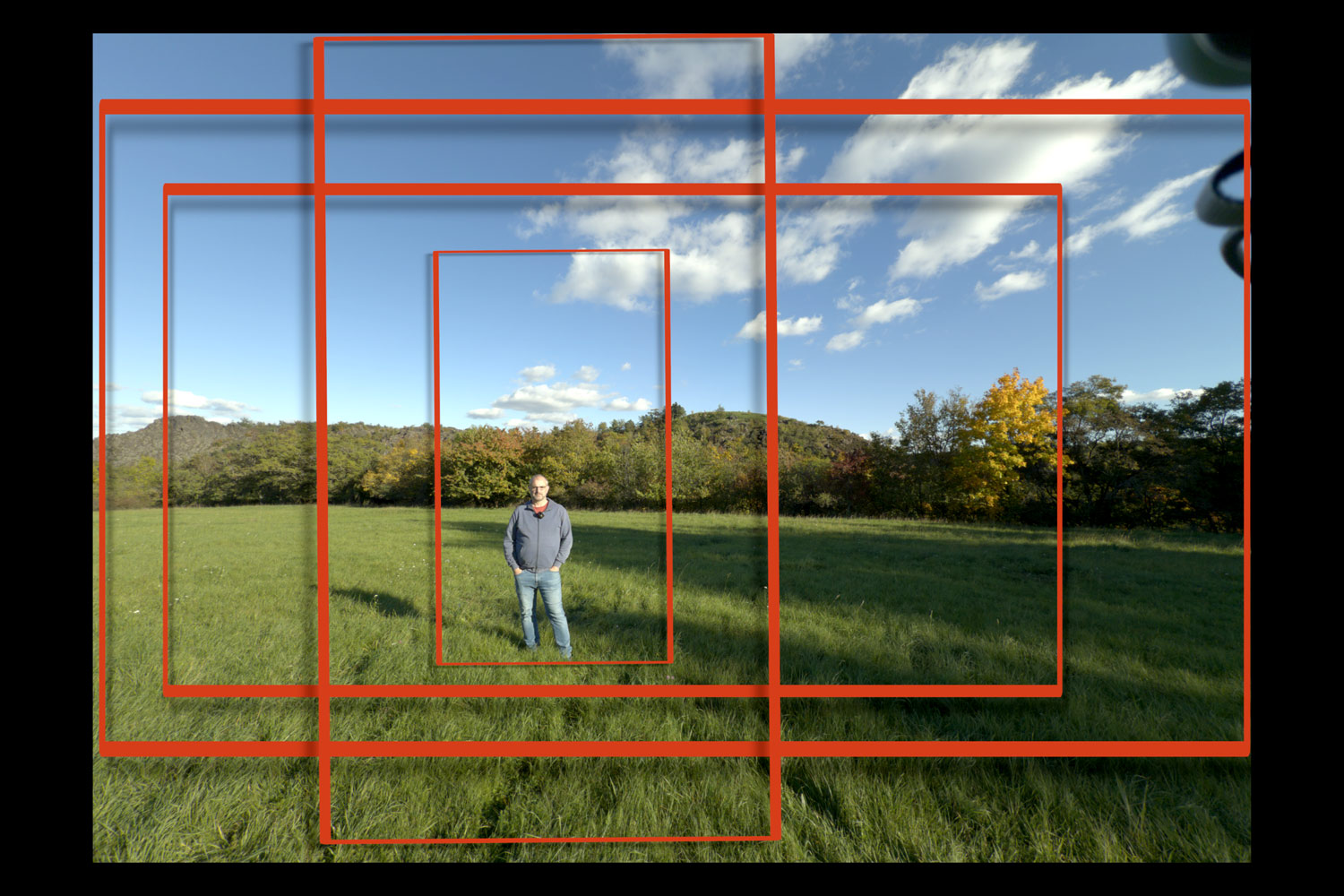
The iPhone 17 Pro introduces a subtle but significant revolution: shooting video in ProRes Raw, which also allows capturing “Open Gate” footage. This records data across the entire sensor — in a 4:3 aspect ratio. It makes editing much easier and allows flexible cropping, just like professional film productions.
Why I Was Excited About 4:3 Video
Why is this “little detail” so exciting? Because it makes filming intros for my videos much easier, where I try to quickly say something meaningful. The traditional 16:9 format still applies, but it doesn’t forgive any mistakes — if the horizon tilts or something is crooked, it’s very difficult or impossible to fix in post.
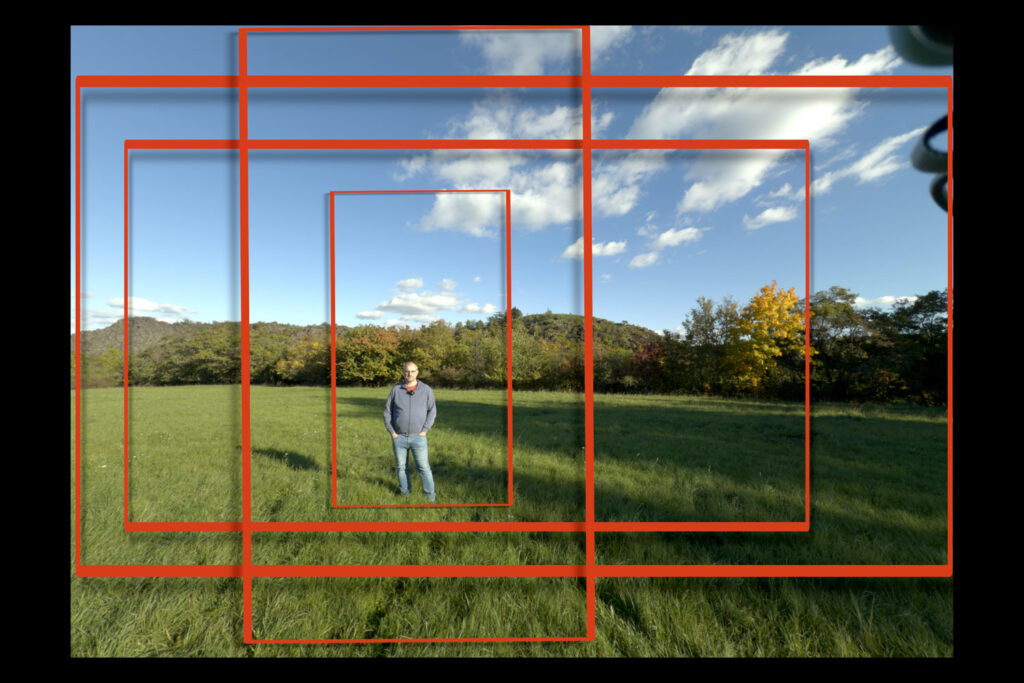
This changes everything, and one of the features I really appreciated in the new iPhone 17 Pro is the ability to capture footage across the entire 4:3 sensor, making it much easier to adjust and enhance in post-production.
There are obviously many other advantages for further editing, and it’s clear that Apple systematically (albeit subtly) adds features aimed at ambitious content creators.
For a quick overview, I recommend watching the following video — sometimes visuals explain better than words.
Video: How iPhone 17 Pro Shoots 4:3 Video – 4 min in 4K HDR
New Format: Apple ProRes Raw
Along with 4:3 video comes another new feature: Apple added the option to capture raw data from the sensor. Photographers know this concept well, as shooting in raw is an integral part of advanced photo editing.
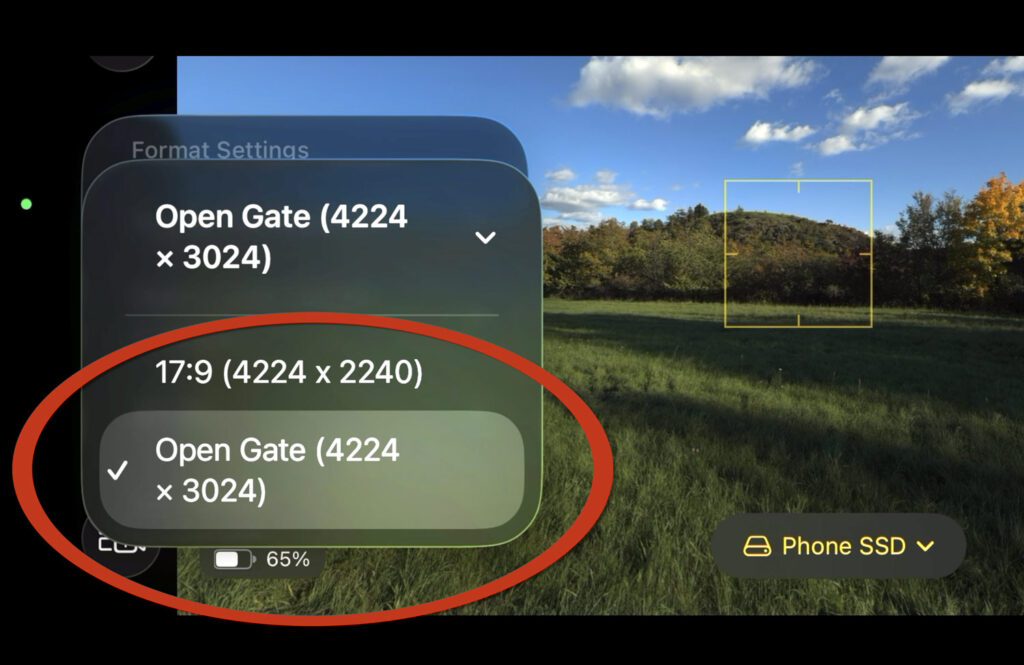
The logic is the same for video: iPhones can now shoot in ProRes RAW or ProRes RAW HQ. The difference is the level of “rawness” in the data: ProRes RAW offers more manageable file sizes, while HQ provides truly raw data.
In my experiments, I mostly used the standard ProRes RAW files. Even these “normal” files were huge — a 17-minute clip reached 106 GB. Attempting even larger RAW HQ files quickly became impractical.
External Storage Is Essential
Such huge data streams require special handling. These files cannot be saved directly on the iPhone; you need a very fast external drive to handle them.
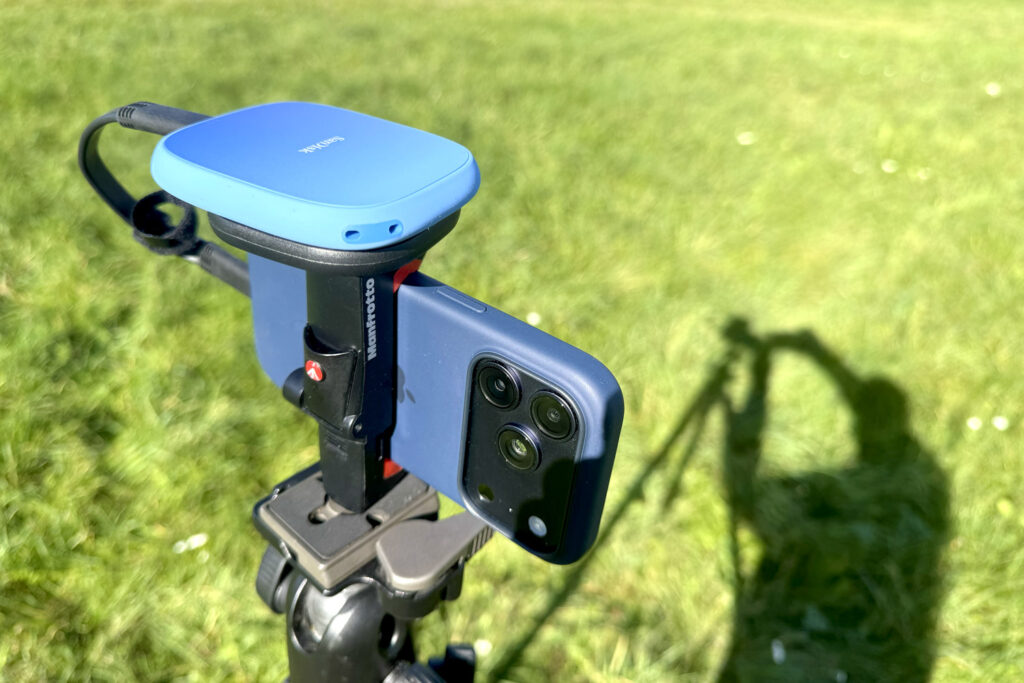
You can also use other apps like Blackmagic Cam, but during initial testing after the iPhone 17 Pro release, other apps still had some issues. I stuck with Final Cut Camera.
LUTs Quickly Restore Realistic Look
Final editing obviously needs advanced software — I used Final Cut Pro on Mac, which is well-prepared for this workflow. LUTs (Look-Up Tables) can quickly convert raw data to a realistic image.

In short: the new full-sensor capture and ProRes Raw features provide content creators with extraordinary flexibility. You can work with much larger data for advanced edits while still being able to integrate it quickly into regular edits.
It looks like a specialist’s feature, but it’s very practical even for standard workflows.























Leave a Reply