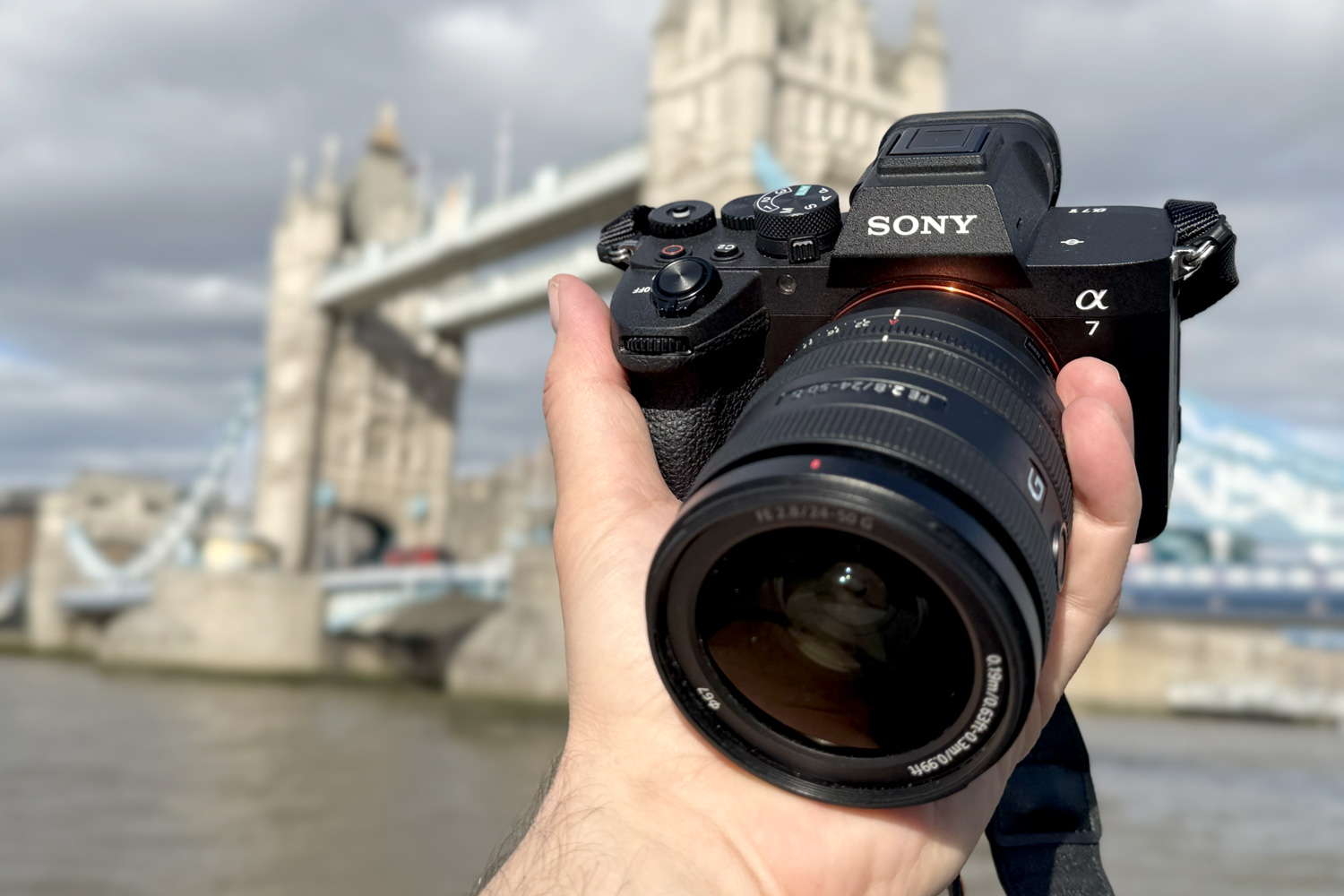
This is an article about a slightly wild experiment: on a trip to London, I took a Sony A7 V with me, and instead of traditional shooting, I tested a niche but incredibly interesting feature: shooting in HDR. In the article, I explain why it’s interesting to play around with it. And you’ll see the most in the video, which is—how else—also in HDR.
Why it’s interesting to experiment with HDR (and what to watch out for)
What am I actually writing about here today? About the possibility of photographing with the Sony A7 V in HDR, i.e., creating photos with a high dynamic range. Specifically in the HEIF format in HLG Still Image mode.
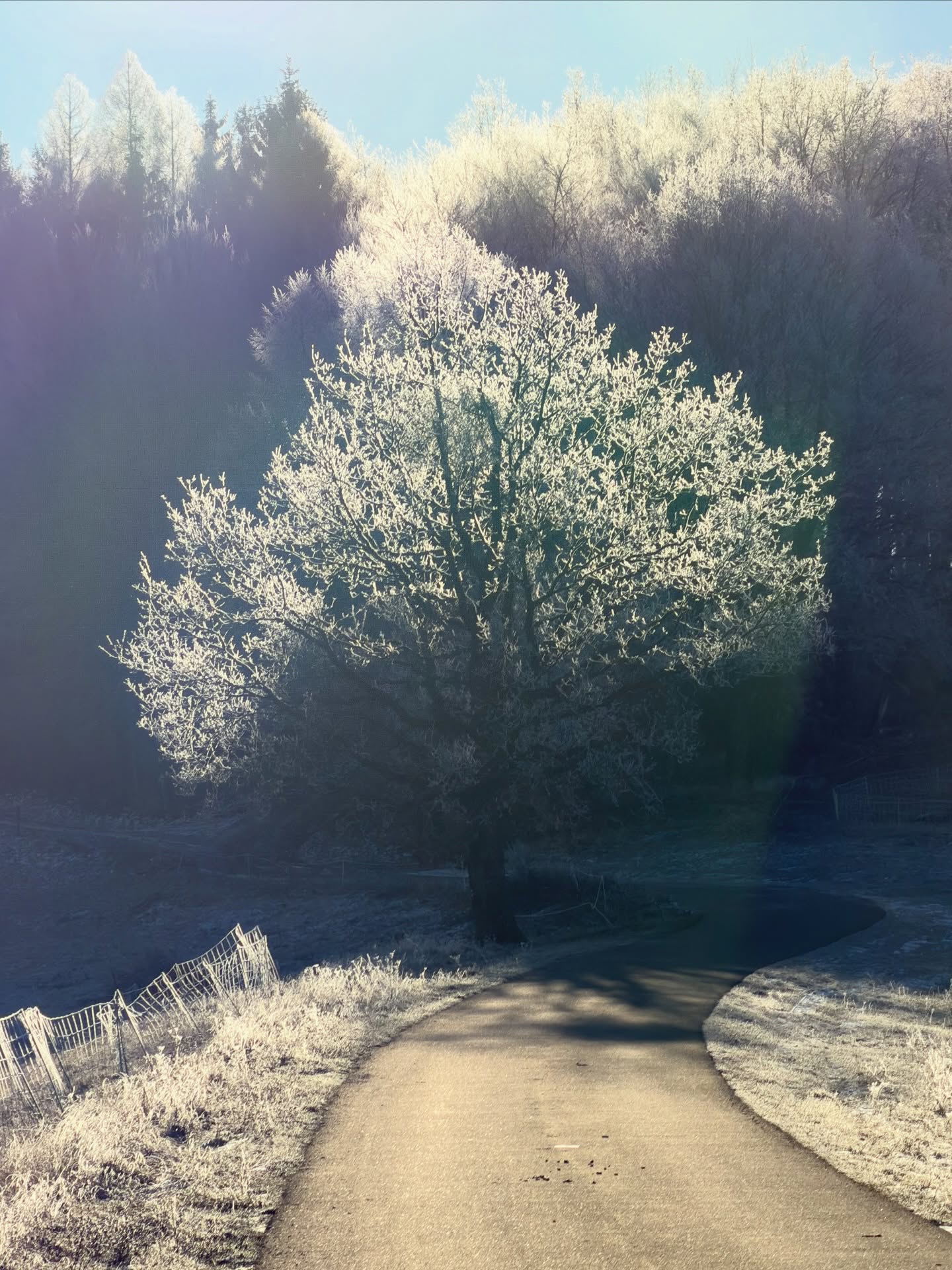
Why do it? Because it’s an interesting way to get the most out of the camera—because on high-quality displays, HDR display really makes a big difference and simply looks great: colors glow, clouds glow, transitions between light and shadows are very gradual. Plus: while doing all this, we are using the modern HEIF format.
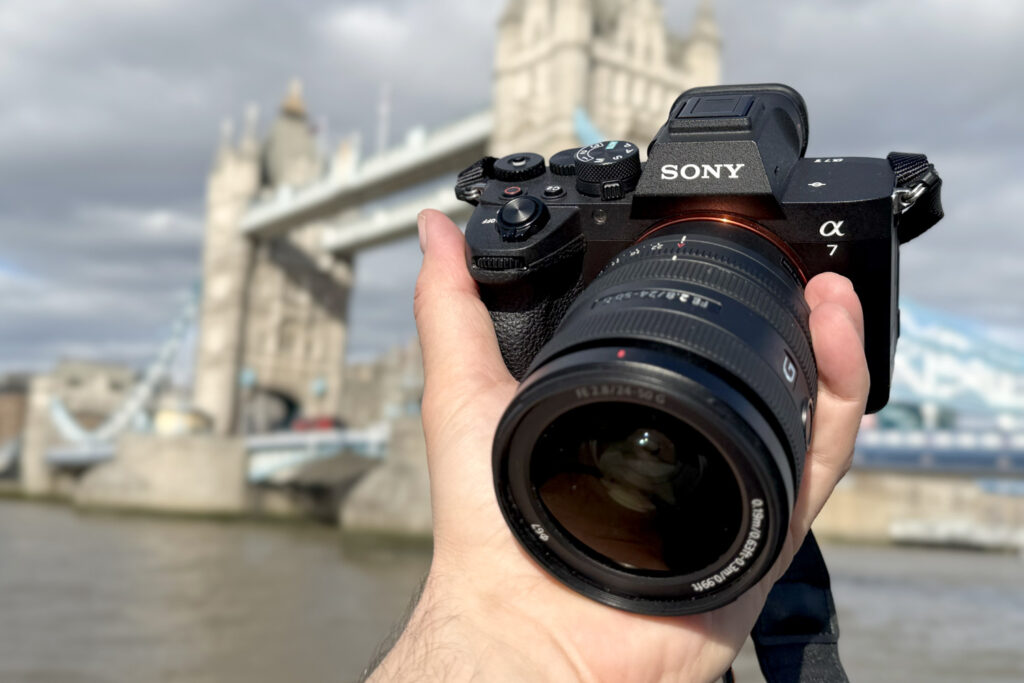
Why am I the one playing with this? The reason is simple: I test mobile phones a lot, and for many years it annoyed me that it is de facto impossible to get exactly what I see on the mobile screen after taking a photo—where photos (and often videos) are in HDR—to the viewers of my videos. You probably know it well yourself: you are thrilled by how beautiful spring landscapes look on the mobile, but when you then look at them on an ordinary computer, the colors and glow disappear. Because the HDR effect disappears. And that’s why I try to shoot reviews in HDR—so viewers see truly maximum quality (if they have high-quality displays). See my playlist on YouTube: Videos in HDR and my video How to work magic with HDR when shooting with a mobile. Plus, as seen further, I am immensely attracted to formats that could replace the outdated JPEG.
Why not do it? There are actually many reasons why not to do it. It’s a bit unnecessary—even non-HDR photos are, of course, great. It’s very tricky—for a truly maximum effect, it’s important that the viewer watches everything on an HDR device—if they don’t have one, everything can look quite catastrophic (everything will be ugly, shifted, and colorless). Working with the HDR format is relatively demanding—the options for, for example, editing photos in HDR and then exporting them are limited. The use of HDR photos is very limited: they cannot be printed, they are hard to share, and putting them on the web is very complicated to impossible. None of this, however, changes the fact, see above, that the effort to preserve the glow of photos from a mobile is worth it.

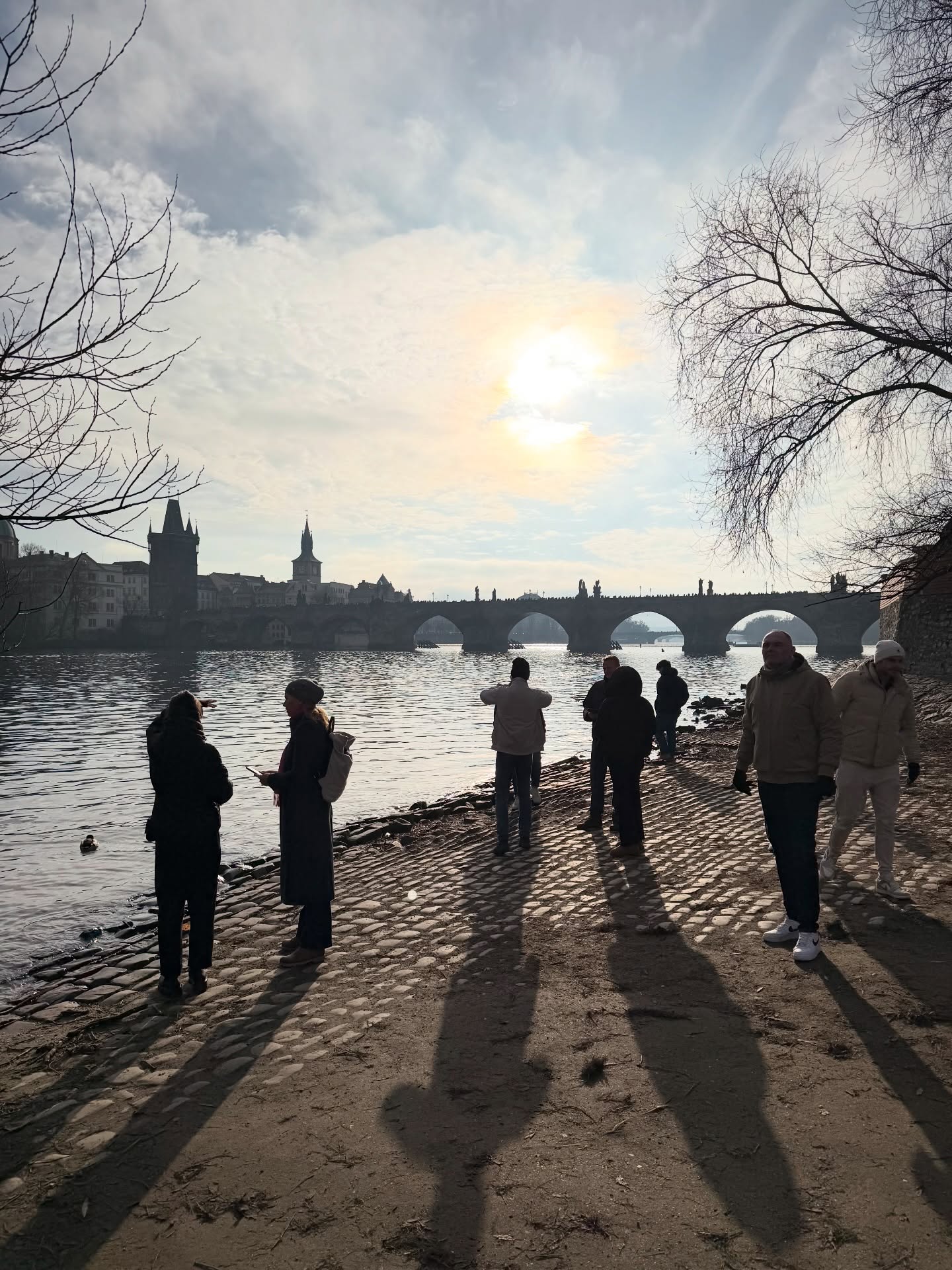
Why play with it on cameras? Unlike mobiles, cameras generally ignore HDR. And as a result, it completely misses the vast majority of photographers. And I completely understand that. Nevertheless, I enjoy experimenting with HDR not only with mobiles but also with cameras—see, for example, my video How to work magic with HDR on Canons and other cameras. In a way, the best answer to the question “Why play with HDR” is the video about my tests in London, where you can see the whole thing in HDR. And the photos look very interesting. Although it holds: yes, it’s on the edge, yes, it’s more about playing around, yes, RAW is always king, yes, it’s not for everyone. But as an experiment with remarkable results, why not!
Video in HDR: How to shoot in HDR with the Sony A7 V
Important note: This video is, of course, absolutely essential for the content of the article: it is edited in HDR, meaning on high-quality displays it is possible to see exactly what I saw during the shoot. Quite exceptionally, I am putting two versions here: one on YouTube, the other uploaded to Vimeo.
For the maximum “visual experience,” I recommend playing the version on Vimeo, which generally offers higher processing quality for complex formats. And it simply looks better on it. Which is actually a nice illustration of the problems with HDR—it’s not easy to get it to viewers in maximum quality.
Video on YouTube – standard quality
Video on Vimeo.com – higher quality HDR display
HEIF, HDR and the magic of 10 bits
What role does the HEIF format play in all this? An absolutely crucial one—in the case of Sony, but also Canon for example, it is the format that, with the correct settings, allows for shooting and processing photos into HDR format. For Canons, it is the HDR PQ format, for Sony, the aforementioned HEIF with the HLG Still Image function. Exactly PQ and HLG are two variants of how devices from cameras to digital editing suites work with HDR information (and it is important to respect them afterwards, for example, during processing into video).
Why is it so important that HEIF works with 10-bit color depth? The difference between 8-bit and 10-bit recording sounds terribly boring and abstract, but it is absolutely key: 10-bit color depth can display over a billion colors, 8-bit only over 16 million. 10 bits means working with HDR, higher dynamic range, smoother transitions, in short, everything is better. Well yes, that’s still vague, so differently: 8 bits is what JPG has, i.e., an outdated format created more than 30 years ago. It “can’t keep up” with the current world and display possibilities. In a few years, we will be tearing our hair out that we don’t have photos in RAWs or at least HEIFs, because JPGs will look miserable.
And what about RAW? RAW is always king, of course—with it, we can do even much more, we can work with HDR without problems, usually it’s 14-bit depth. But a big limit is the size (tens of MB) and the necessity to process the RAW. HEIF has a great advantage in this: it simply offers much better data than JPG, but with better compression and smaller size. In short: in certain scenarios, HEIF is actually something between JPG and RAW: smaller and often more clever.
Note 1: Does the future belong to HEIFs? Not necessarily. HEIF is an important format, but it has a fundamental weakness: it is not open and its creators license it for fees, which is generally a huge problem. It is therefore quite possible that its role will be taken over by some other format in time. But for now, it has a key role.
Note 2: iPhones shoot into HEIFs, so do they use 10 bits? They don’t have and don’t use it—HEIFs in iPhones are only 8-bit. And that bright effect of lights and colors is a bit of a trick: iPhones and Androids usually use a so-called gain map (very loosely a “glow map”), which (again very loosely) defines what and how should glow more and less where. So that is a different technological approach to creating the HDR effect. Real cameras do it differently and properly: with real HDR recording in PQ or HLG.

Sony A7 V and HDR – how to do it?
To summarize: when does it make sense to use HDR with the Sony A7 V? 1. As I already mentioned, yes, it’s playing around. But interesting playing around—and the whole thing therefore makes sense as an interesting experiment. 2. The second reason can be exactly what was the result of my testing in London: video in HDR on YouTube. If you were, for example, planning to make a video from a holiday built mainly on photos or on a combination of video and photos, HDR is a truly great choice (I’ve been doing it for many years). 3. Reason: you don’t want to shoot in JPG or RAW. As I already mentioned, HEIF is a bit of something between RAW and JPG. If you are terrified of the idea that you will snap those 500 photos from one day in London into RAW, then this can be an option, HEIFs won’t clog the card. Although let’s repeat again: RAW is king and it cannot be otherwise.
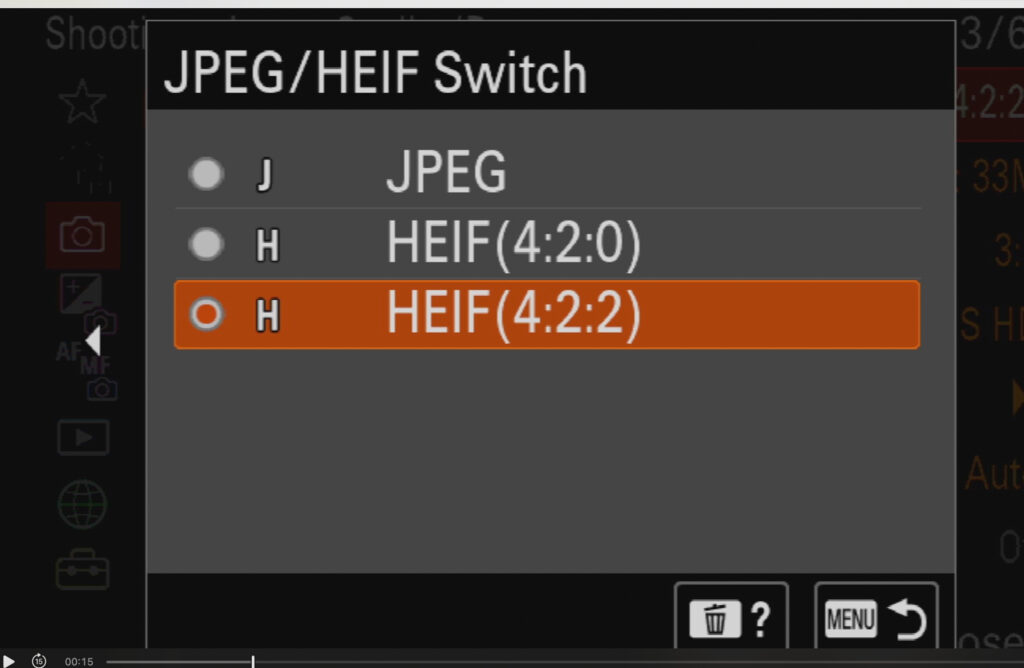
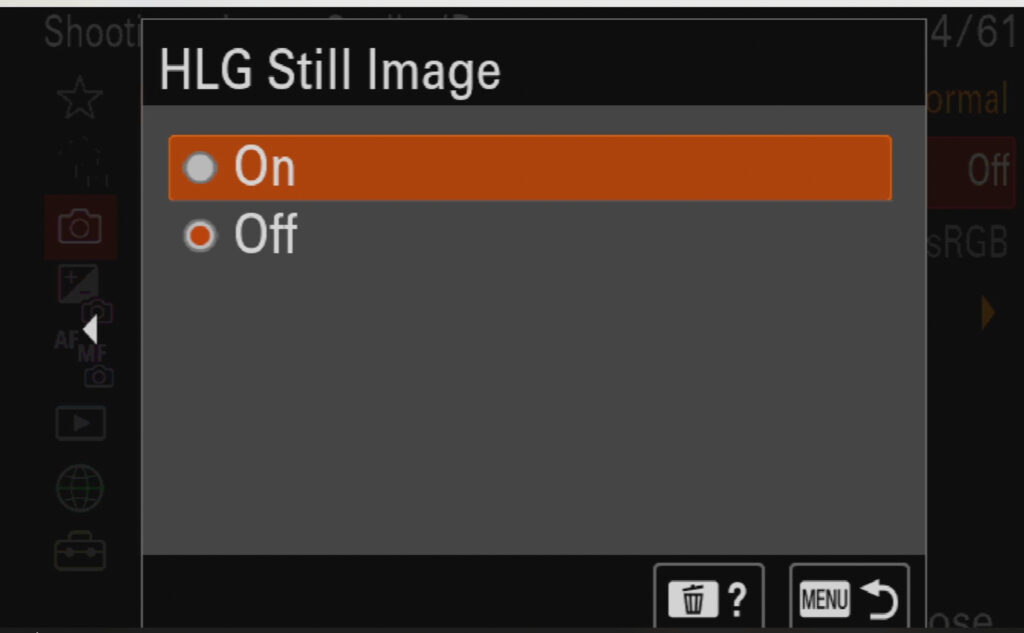
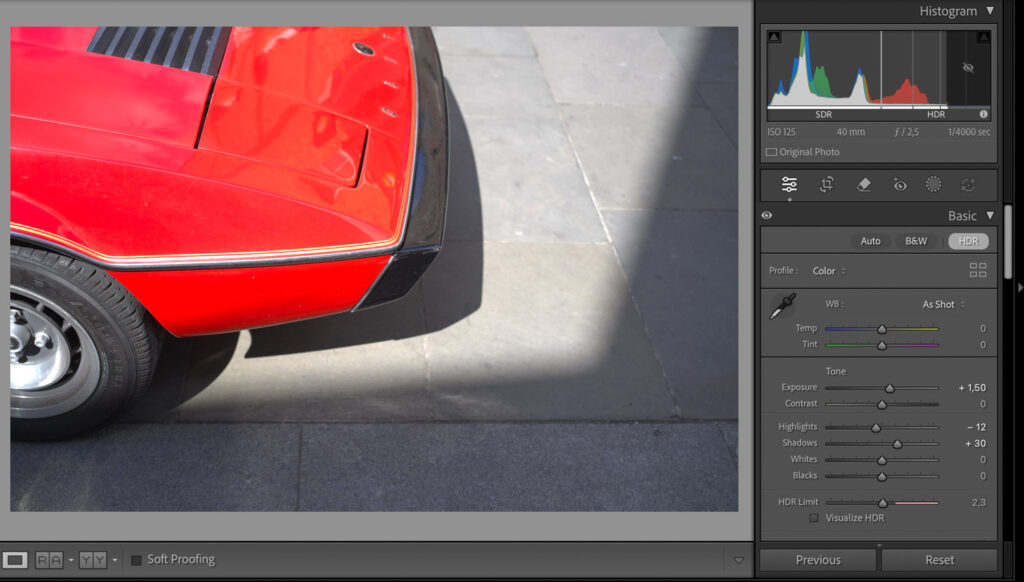
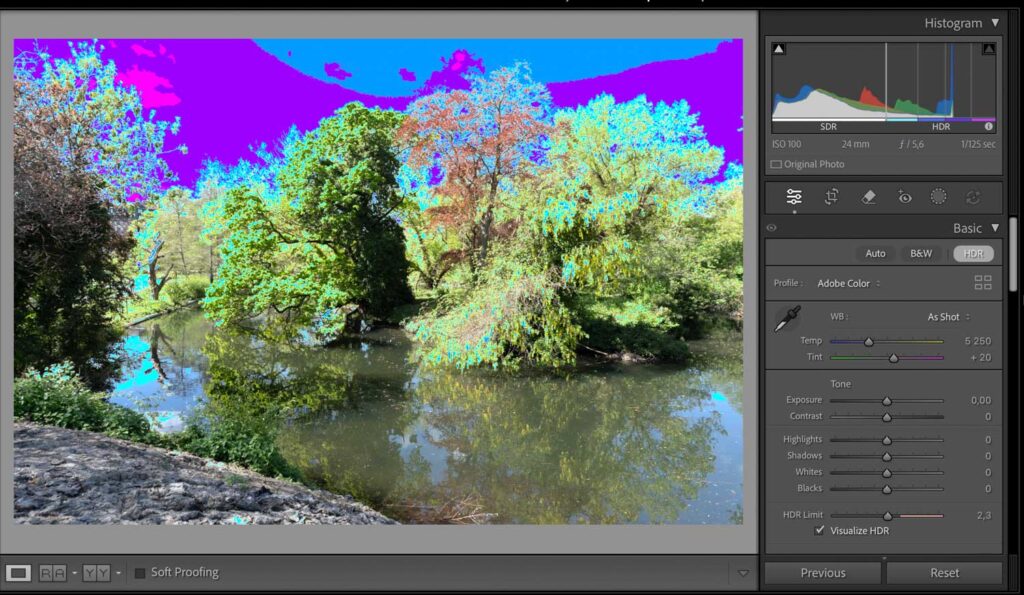
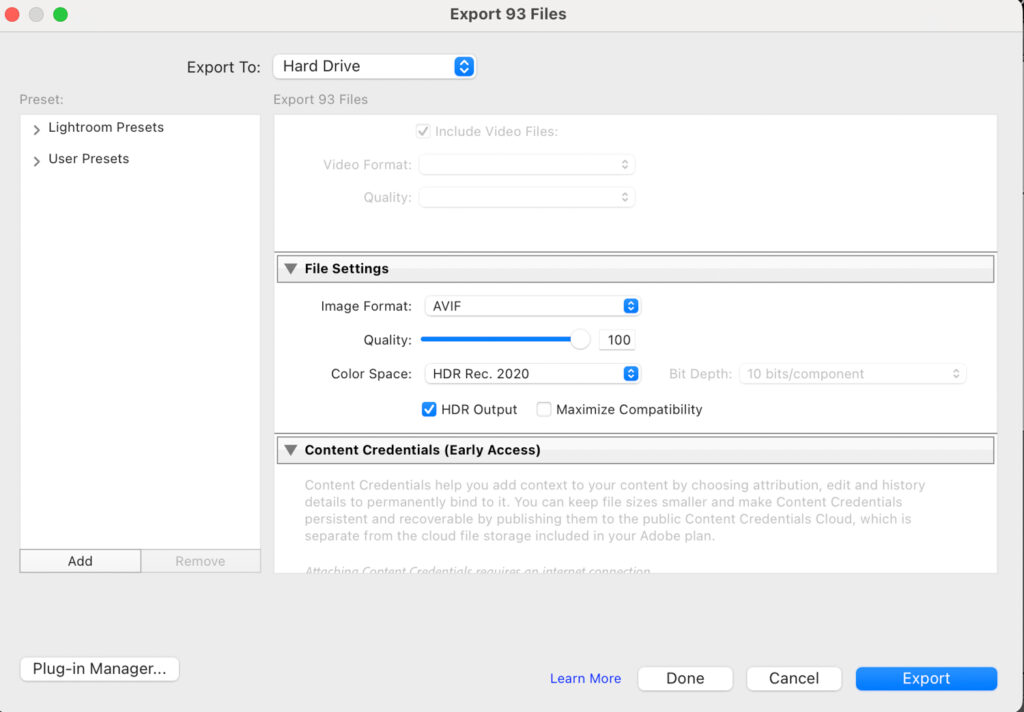
And what to edit the photos in? There will probably be more ways, but I consider Lightroom to be the most sensible. After exporting, in Develop, you need to click the HDR button and thus turn on the display of the “glowing” version of the photos. It is interesting to watch the histogram while doing so; that’s where it’s nicely visible how the dynamic range “stretches” during HDR editing. Another stumbling block can be the resulting format to save the photos in—in the case of Lightroom, it cannot be HEIF back. So there are two options: TIFF, i.e., a classic for similar large edits, or the modern AVIF format, which I usually work with. See illustration.
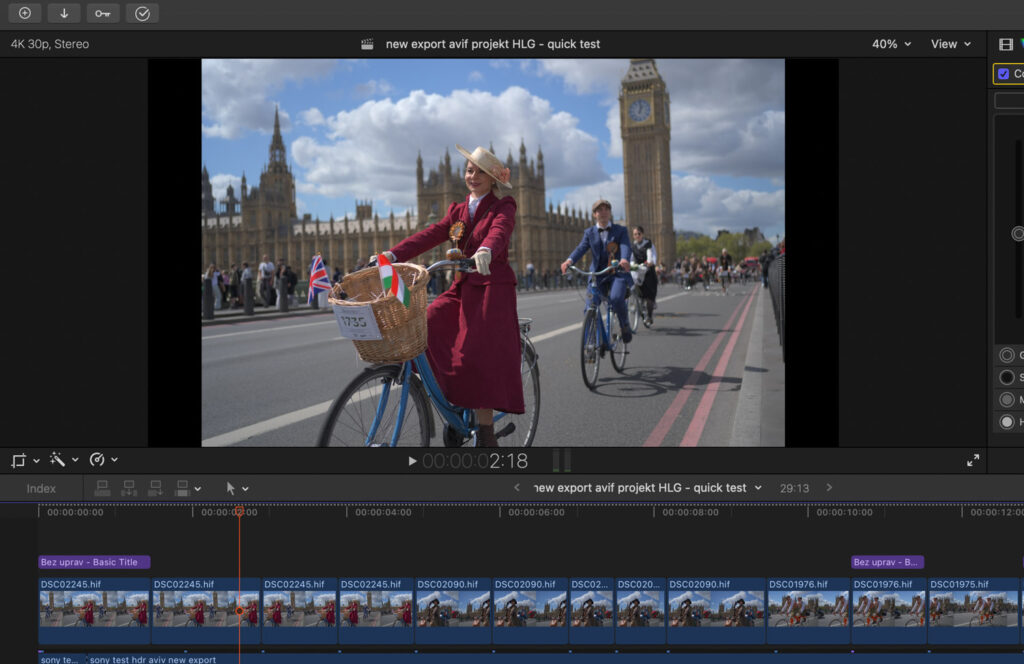
How to edit the whole thing into a video? One way would be to assemble the video from photos in AVIF. However, as part of this experiment, I wanted to maintain “format purity” from beginning to end and edit the photos directly in the editing program Final Cut Pro. Thanks to this, I could function in HLG from the start to the final export (in Final Cut Pro, you need to set the library and project to so-called Wide Gamut and then choose 10-bit HEVC during export). The edits were only minimal, so it was worth it.
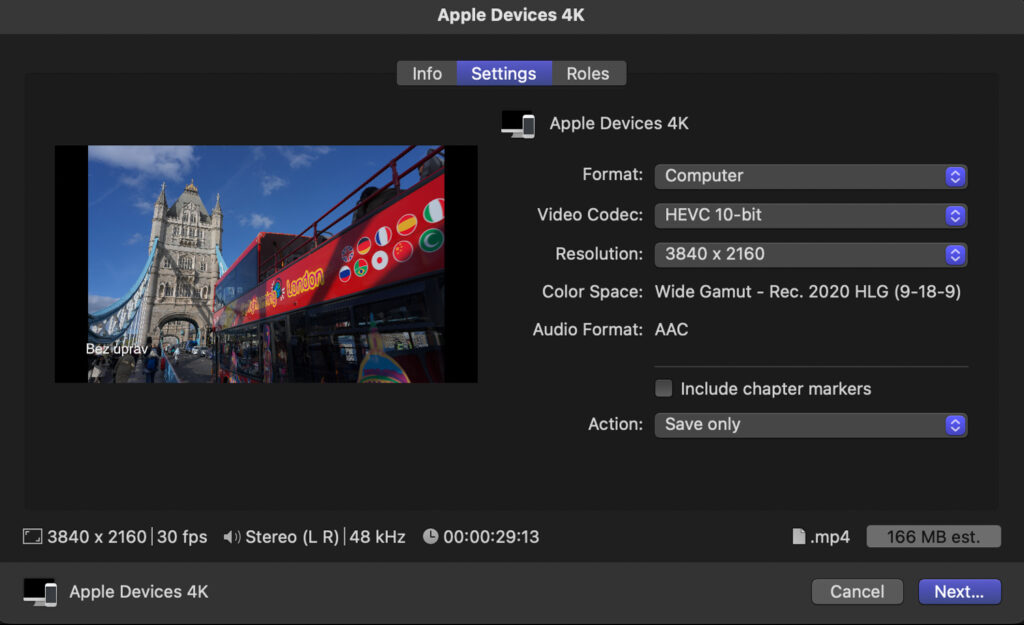
Is there a future in HDR recording? Yes, undoubtedly. It is possible or rather probable that many formats and procedures described here will disappear or undergo a profound transformation over the years. This does not change the basic equation: devices (mobiles and cameras) are constantly improving, displays can constantly do more. So it will be logical that in the future we will be looking at recordings with a higher dynamic range. That’s also why it makes sense to start playing around even now!

Related posts
-

Best Cameras – Summer 2026: My 40 Reviews, 4 Tables, 10 Years of Testing
-
Xiaomi 17T Pro Camera Review: 200 Sample Photos & HDR Video
-
Sony World Photography Awards 2026 Announced: I Was in London and Here Is My Report
-

HDR Videos and YouTube – why processing often fails
-
Sony Alpha 7 V – Sample Photos from a Quick Hands-On Test


















Leave a Reply