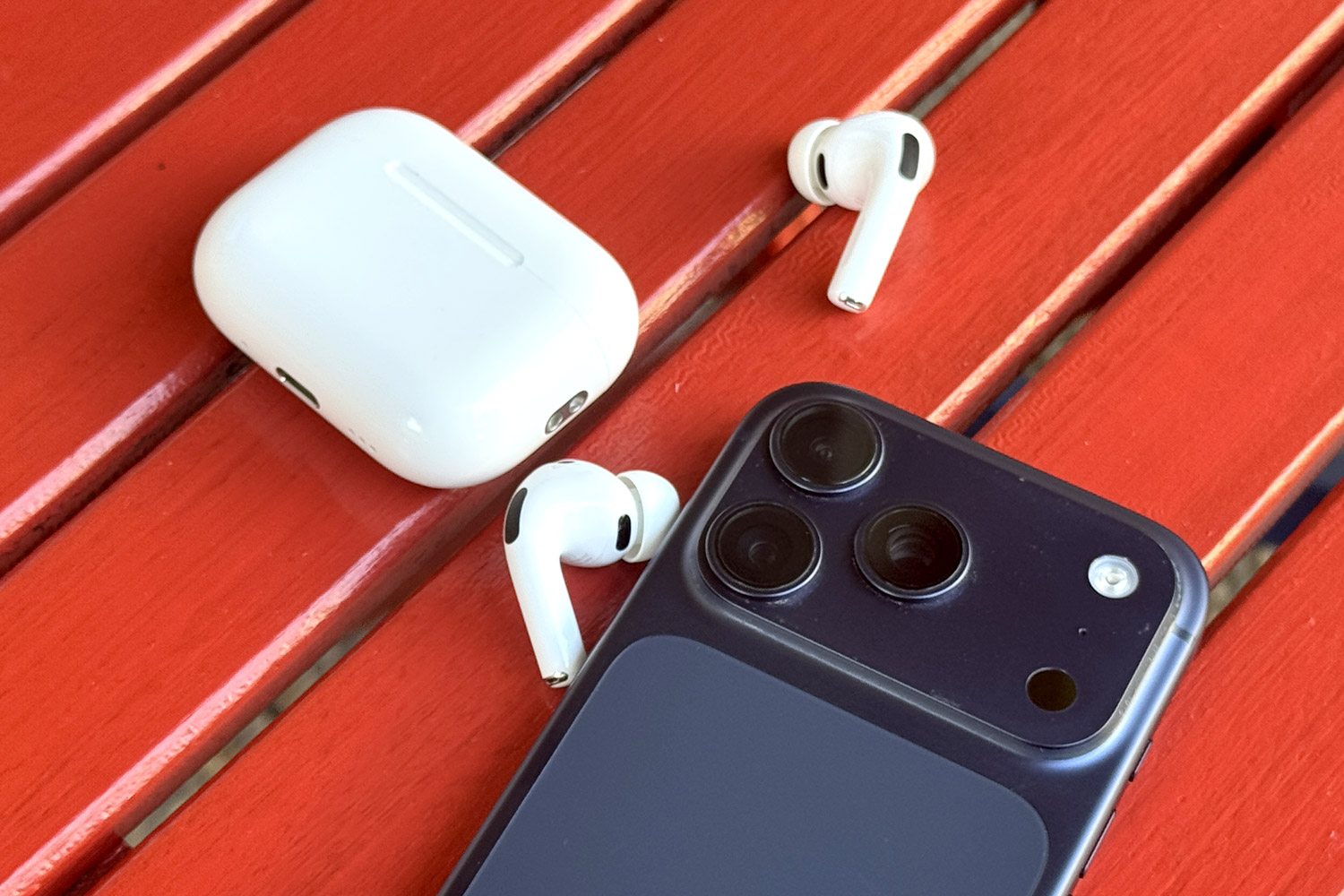
Is it worth buying AirPods Pro 3? As the headline suggests, my answer is an unequivocal yes – mainly because of the “obvious” point owners so often make about Apple gear: it simply works, exactly the way it should. And it’s simply a remarkable piece of technology.
One confession: I’ve never owned AirPods before
First, some context: I’ve spent more than ten years on this site testing cameras and phones, and I can take them apart down to the last detail. In photography, very little surprises me anymore.
So if you already own high-end headphones, whether from Apple or another brand, this article may strike you as obvious – I’m essentially rediscovering the wheel here, marveling that these earbuds are a remarkable piece of technology.
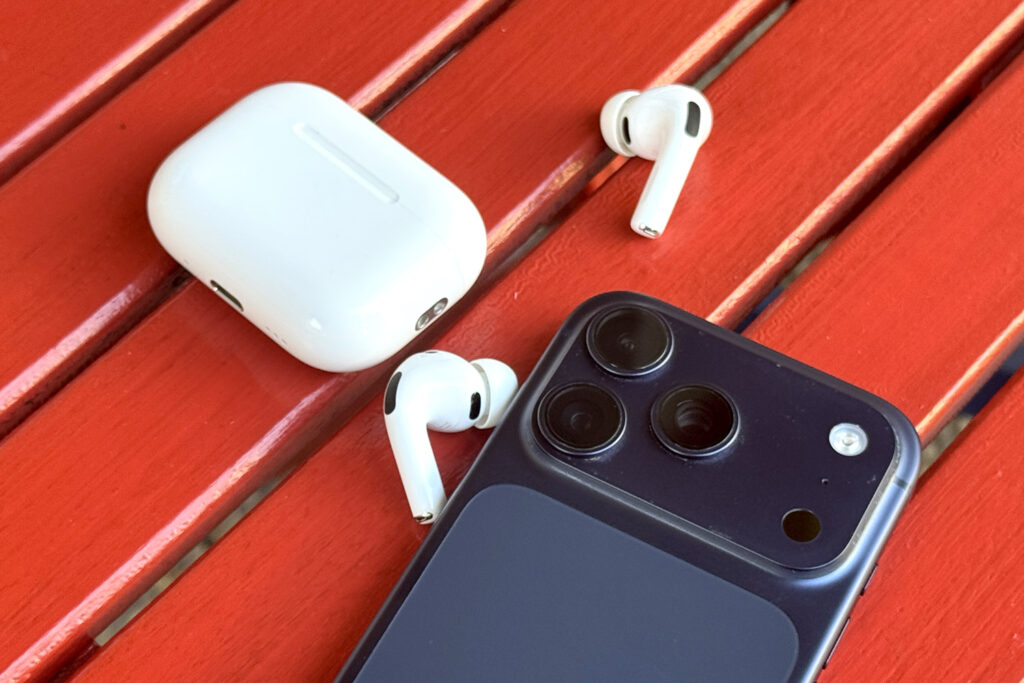
They do their job extremely well, and across a wide range of activities: walks in the woods (where they stay put in your ears), podcasts on the metro (where they cancel out the noise around you), and serious video editing (where they can – at least temporarily – stand in for full-size studio headphones).
And it all works seamlessly inside the Apple ecosystem: pairing, switching and disconnecting take seconds, and the feature list runs from music playback to answering calls with a nod of the head to heart rate sensing.
Active Noise Cancellation is addictive
Reviewers often have a hard time, because readers expect detailed breakdowns, elaborate comparisons and exhaustive feature lists. In this case, though, a one-sentence verdict after several months of use says almost everything that matters: Active Noise Cancellation here is seriously addictive.
Or, as I’d put it to friends over a beer: “They don’t fall out of your ears, the sound is great – I edit video on my Mac with them on – but above all, that Active Noise Cancellation is absolutely unbelievable.”

It dawned on me that anyone who has never tried good headphones with ANC has no idea what they’re missing – on Apple hardware or on anything else. And if you asked me which piece of technology impressed me most over the past few months, it would be the moment I started playing music on a tram and switched on Noise Cancellation. The noise of the tram vanished. The same goes for the roar of the metro, where I can now play classical music and shut myself off from the world completely.
In short, try it – on Apple earbuds or on anything else. And if you’re telling yourself, as I was a few months ago, that wired headphones are perfectly fine, you’re wrong (and my daughter, who has had AirPods for ages, was right yet again).
AirPods Pro 3 – what I liked
The essentials are already above: they work beautifully and do what they’re supposed to do. But let’s break it down in a little more detail anyway.
Genuinely addictive Listening Modes
As usual with Apple hardware, you take the earbuds out of the box and they pair with your iPhone in seconds (they seemed to connect to my MacBook on their own, and switching between the Mac and the iPhone is very smooth). My guess is that most people stick to the one control that really matters: the Listening Modes. There are three – Noise Cancellation, Transparency and Adaptive.
The real magic happens in Noise Cancellation, where the system is sometimes almost eerily effective: in places with relatively steady noise, like a metro car or a tram, you find yourself in blissful silence. Which isn’t always practical, of course, because it’s easy to miss your stop – you stop registering station announcements and your surroundings in general, and that can even be dangerous.

The counterpart is Transparency mode, which discreetly mixes ambient sound in with your audio, so you can get off the metro at the right stop, or listen to music at home while holding a (short) conversation. In between sits Adaptive, which, as the name suggests, actively tries to land somewhere in the middle – though I almost never used it, happily switching between the two extremes instead.
Another neat touch is Conversation Awareness, which automatically lowers the volume and brings voices forward as soon as you start speaking (it can be turned off, as can Announce Notifications).
Finger and head gesture controls that genuinely work
The second big plus is how simple the controls are. You can of course run everything from the iPhone, but that would be a waste – because everything important can be done on the earbuds themselves, using combinations of single, double and triple presses and a press and hold. There’s no point listing every step here; what matters is that you quickly get used to answering and ending calls, skipping tracks forward and back, and – extremely handy – switching between Listening Modes with a press and hold on the stem.
Volume works the same way: with a little practice you swipe up or down on the stem to raise or lower it. And you can bring your head into it too – Head Gestures are on by default, so nodding up and down accepts a call, and shaking your head side to side declines it.
It probably goes without saying that all of this can be remapped to the owner’s exact taste, but as usual, I think most people will stay with the defaults. They’re thought through and set up well enough that it would be a shame not to use them.

A useful camera remote
Not many people know that iPhones have been controllable from headphones for as long as anyone can remember – even the old wired pairs still lying around in my closet could do it. AirPods Pro 3 can do it too: a single press acts as a camera remote, so you can take a photo from a distance. That obviously makes the most sense for group shots, and it does come in handy.
Find My integration on iPhone
Just about everyone knows Find My, the iPhone app family members use to share locations and which also comes in handy for tracking down lost phones and earbuds. Here, each earbud and the charging case appear as separate items. If something goes missing, you can search at home by playing a sound, or outdoors using the map.
That’s plainly useful, but another key quality deserves a mention here: these earbuds really do sit well in the ear, which is far from a given. There are other safeguards too – Automatic Ear Detection pauses playback the moment an earbud is taken out or falls out.
It’s worth checking now and then that everything is working, though. The connection glitched on me once, and at that point a dropped earbud would have been gone for good. Resetting the earbuds and re-pairing them with the iPhone sorted it out (the procedure is easy to find in Apple’s support documents).

Plenty of small but valuable details: from Hearing Health to heart rate
I really do think the main strength of these earbuds lies in everyday usability, great sound and Active Noise Cancellation. That said, the settings hold a range of features that can matter in specific situations – from the Hearing Test (which I haven’t tried) to heart rate sensing, which feeds into the Health app.
Solid build and a full range of ear tips
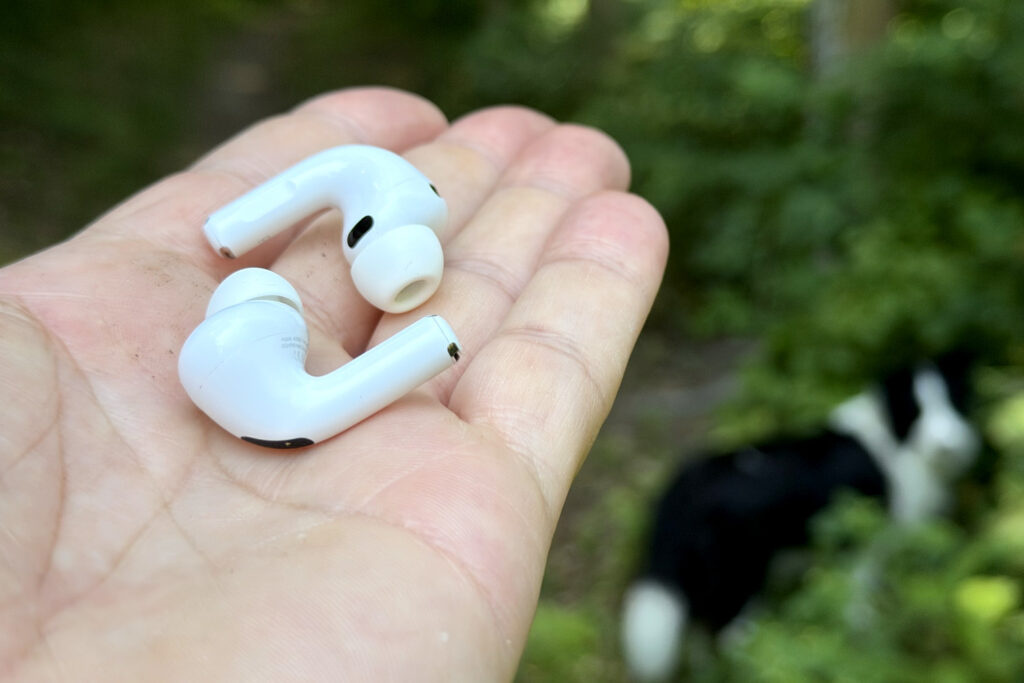
AirPods owners used to complain that the earbuds got dirty fairly quickly and were hard to live with without regular cleaning. Regular cleaning is undeniably useful here too, but I think the design changes will make it far less frequent. Apple supplies silicone ear tips in five sizes (XXS, XS, S, M, L) – the medium pair comes fitted and the other four are in the box – so there should be a fit for every ear. During setup, the iPhone can also run an Acoustic Seal TestTest to check the seal.
AirPods Pro 3 – Two-sentence summary
AirPods Pro 3 give the general public a top-tier tool that has earned a firm place in a wide range of situations: Active Noise Cancellation is genuinely addictive and opens up everything from casual listening to video work. The smaller features matter too, from effortless controls to heart rate sensing, and they round out the package nicely.

Review Summary
AirPods Pro 3

AirPods Pro 3 give the general public a top-tier tool that has earned a firm place in a wide range of situations: Active Noise Cancellation is genuinely addictive and opens up everything from casual listening to video work. The smaller features matter too, from effortless controls to heart rate sensing, and they round out the package nicely.
9
Pros
- Excellent ANC
- Responsive and intuitive controls
- A range of genuinely useful features
Cons
- Relatively expensive
- You need to keep an eye on the Find My connection
Related posts
-

Are iPhone 17 Pro and 18 Pro Cases Compatible? My Test Says Not Quite
-

Best iPhone Photography & Video Apps I’ve Actually Used for Years (2026)
-
Best Smartphones for Photographers (2026) – My Top Picks Based on 10 Years of Reviews
-
SanDisk Creator Phone SSD: Unlocking the Full Potential of iPhone 17 Pro (Review)
-

Telephoto Camera Test: iPhone 17 Pro vs. 16 Pro / 15 Pro (+ video)
-
Hidden Treasure of iPhone 17 Pro: Open Gate Video and ProRes Raw







Leave a Reply