HDR videos still remain somewhat on the sidelines for photographers and video creators, but with the progress in the development of computer and mobile displays, they are quickly gaining popularity. And they undoubtedly own the future. An unexpected problem currently stands somewhat in the way, which can greatly trouble creators—issues with processing after uploading to YouTube. I’ve been struggling with this for many months, so I’ve written down what I’ve discovered and tested so far. Maybe it will be useful to someone else.
April 2026 Update: Could this finally be a breakthrough? There’s reason for optimism – both videos I uploaded yesterday and today were processed to HDR within just a few hours!
February 2026 Update: The situation is now the worst it has been in recent months — it appears that YouTube has completely stopped processing HDR videos, as none of my uploads over the past roughly 10 days have been processed in HDR…
Why Upload Videos in HDR at All?
The term HDR (High Dynamic Range) has many forms and unfortunately causes a lot of confusion. I don’t want to address them here today, as the topic is very broad. The essential thing, as I explain the significance of HDR to those around me, is this: it’s truly valuable to preserve the video (and photo) quality we get from mobile phones.
In other words: we shoot a video with an iPhone or another high-end mobile phone—the sky is perfectly blue, the clouds are glowing, the colors are vibrant, and the shadows are subtle. In short: we are used to recording in High Dynamic Range.
But: when we then view this video on an ordinary computer with an average display, everything looks simply dull, faded, and significantly worse. And most importantly: the vast majority of videos are still edited in a non-HDR world. Which is simply a pity—also with a view to the future. In a few years, we will regret it.
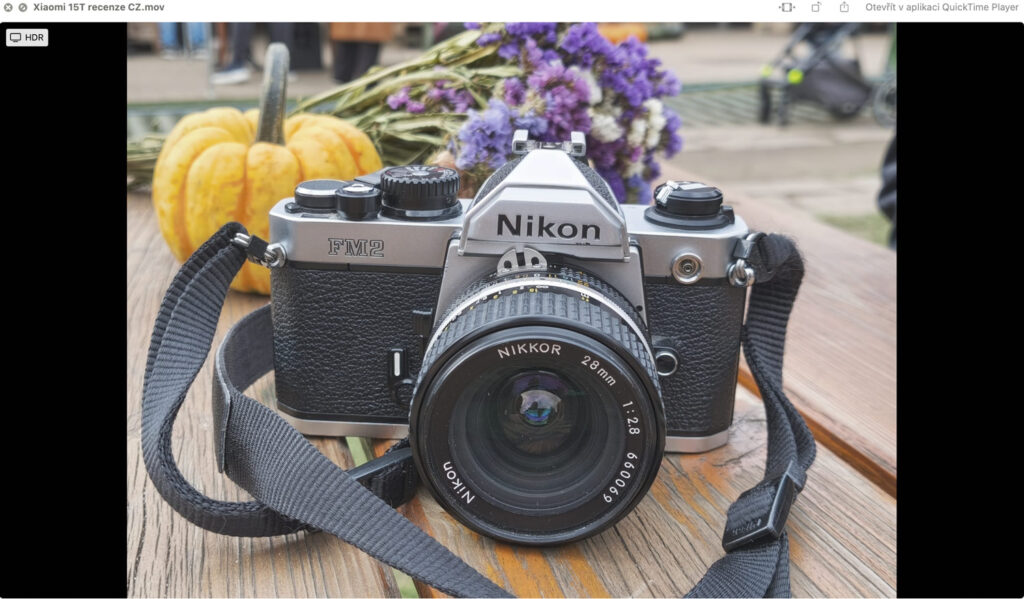
Here’s an example of a video captured in HDR.
What is the problem? YouTube sometimes fails
In recent years, I have been testing many top-of-the-line mobile phones, and it immensely annoyed me that it is/was not possible to deliver the maximum quality I see when viewing photos and videos directly on the phone to my audience. The drop in quality due to the absence of the HDR dimension is truly dramatic.
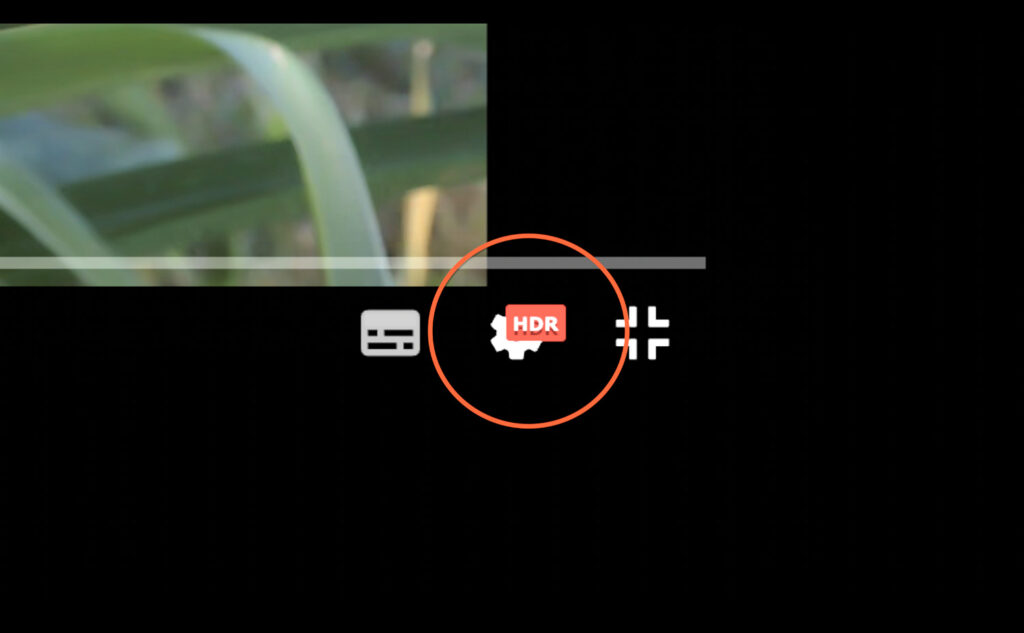
So, I was excited that YouTube can work with the HDR format and officially supports it—and it is truly a completely different dimension: here you can see examples of videos in HDR.
However, all this is complicated by the fact that the entire process sometimes fails, and the video is not processed into HDR. With no obvious traceable logic, no clear indication of what to do. And various fragmented discussions of video makers in discussion forums indicate that I am far from being the only one.
The key problem: The video is uploaded. And then… nothing
Over the past few months, I’ve published about ten videos in HDR, and with most of them, I’ve encountered the problem that led to this article.
The video is uploaded as always, passes basic checks, everything seems to be in order. This is still the version without the HDR layer, and that’s how it should be according to YouTube documentation. According to it, it can take up to 48 hours and sometimes longer for the video in SD to be processed into HDR. This is, of course, fine.
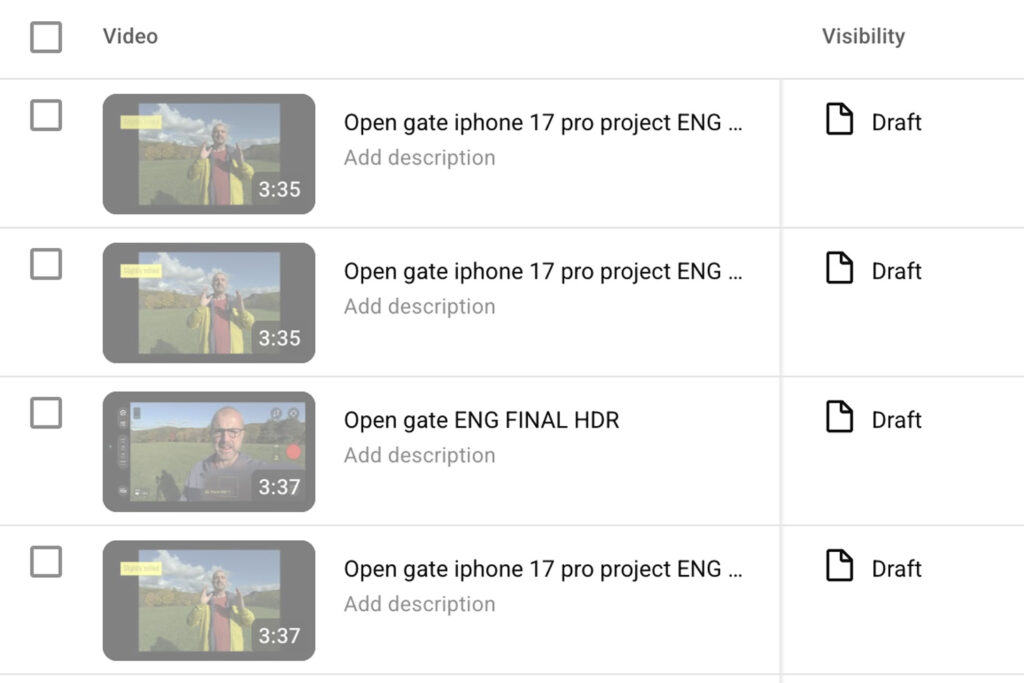
But: very often, that last step does not occur. Sometimes the coveted HDR badge appears in a few hours, most often within 10-12 hours. Sometimes it really takes those 2 days. But sometimes everything just gets stuck—and the HDR version is simply not processed.
How often does this happen? My rough estimate is: somewhere between one-third and one-half of the cases. And the fact that I eventually got all the videos done is due to the only possible solution so far: trying to upload until the video passes.
Why does this happen, and what to do about it? Honestly: I don’t know
I immediately admit the fundamental thing: I don’t know why this happens, and I don’t know what causes it. Let’s now analyze and describe the “possible suspects” I have identified over several months in an attempt to resolve everything. This is based on my tests and research of internet discussion forums.
What might be causing it (but probably isn’t)
Incorrect video format settings during export.
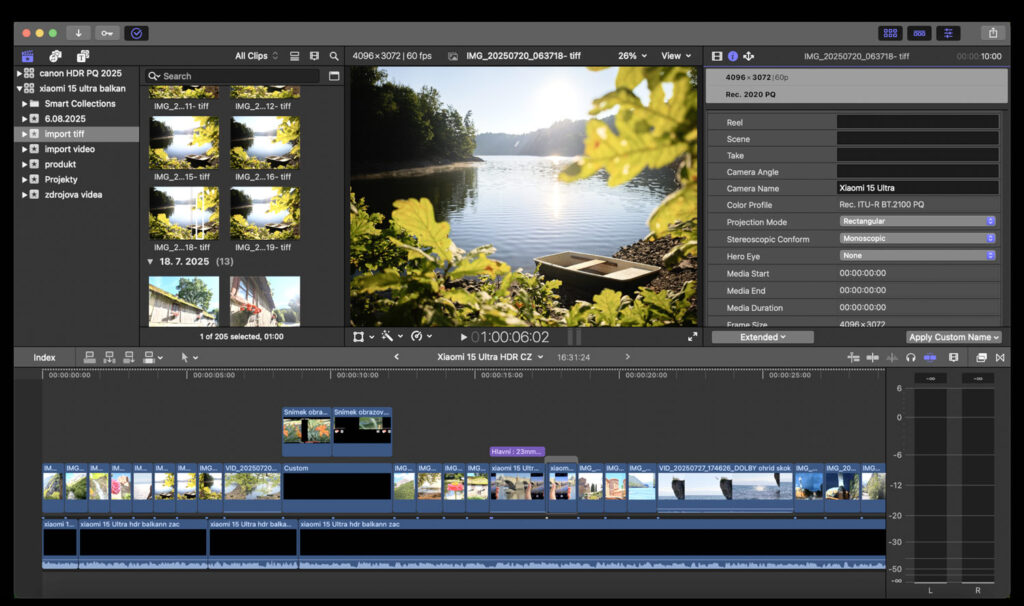
this is, of course, the most logical point, but after many months of testing and struggles, I am almost certain that this is not the case. Or, more precisely, that the error is not on my side. I export from Final Cut Pro from Wide Gamut Libraries with rendering in Wide Gamut HDR – Rec. 2020 PQ / Rec. 2020 HLG. I tried various project and export settings, carefully researched YouTube requirements, but found no clear pattern. Sometimes it just works, and sometimes it doesn’t.
Too little metadata in the final file
I mention this option because it will be among the first ones recommended by ChatGPB or Claude.ai. They believe that some key metadata that YouTube needs to reliably identify the file as HDR are not embedded in the file during export. It sounds logical, but again: sometimes it seemingly helped, sometimes it didn’t. Again, no clear trace.
The .MP4 format might be better than MOV (they say)
This is another possibility that often appears in discussions—and in my case, it once or twice seemed that exporting in MP4 more easily passed through YouTube’s HDR systems. But a series of tests did not confirm this. Sometimes it worked, sometimes it didn’t.
YouTube Support can solve it (in theory)
YouTube support can help, but unfortunately, they can’t do it always, even though they try. Thanks to the painful effort to solve it somehow, I at least made a great discovery—YouTube support works great and communicates excellently, whether by email (12 hours to 1 day) or via chat, thus in real-time. They know about the problem and immediately proceed to what seems salvific: they re-process the video from their side. Once it helped me in a few minutes, other times in a few hours. But unfortunately, here too, the rule applies: sometimes it just doesn’t help, other times it doesn’t—and among unpublished videos, I have several that support re-processed. But still, the HDR layer did not appear there.
(Quick tip: If you have YouTube Studio in a language other than English, you have access to email support. But if you switch your account to English, the Chat support option also appears. Which is great).
Could the video language be to blame?
Also no. At one point, I had the impression that the fault might lie in the fact that I do some of the videos in my native Czech and that videos in it have a slightly different status during processing than videos in “major languages”—YouTube, for example, does not offer automatic dubbing in Czech. But reality refuted this theory as well. The error affects all videos similarly, regardless of language.
Another video about HDR tricks.
Summary: The Only Option: Wait Patiently and Try over and over
Unfortunately, at this moment, I cannot conclude this article optimistically. I don’t know why this happens and what the error is. My speculation is that the fault lies in some incompatibility in the settings and transfer of metadata between the video editor (Final Cut Pro in my case) and YouTube’s rendering system.
From which also follows the only way to solve everything—and that is to patiently wait and try uploading slightly modified versions of the video. Sooner or later, that coveted HDR badge will appear. And over time, hopefully, the mysterious reason for all this will magically disappear.




















Leave a Reply