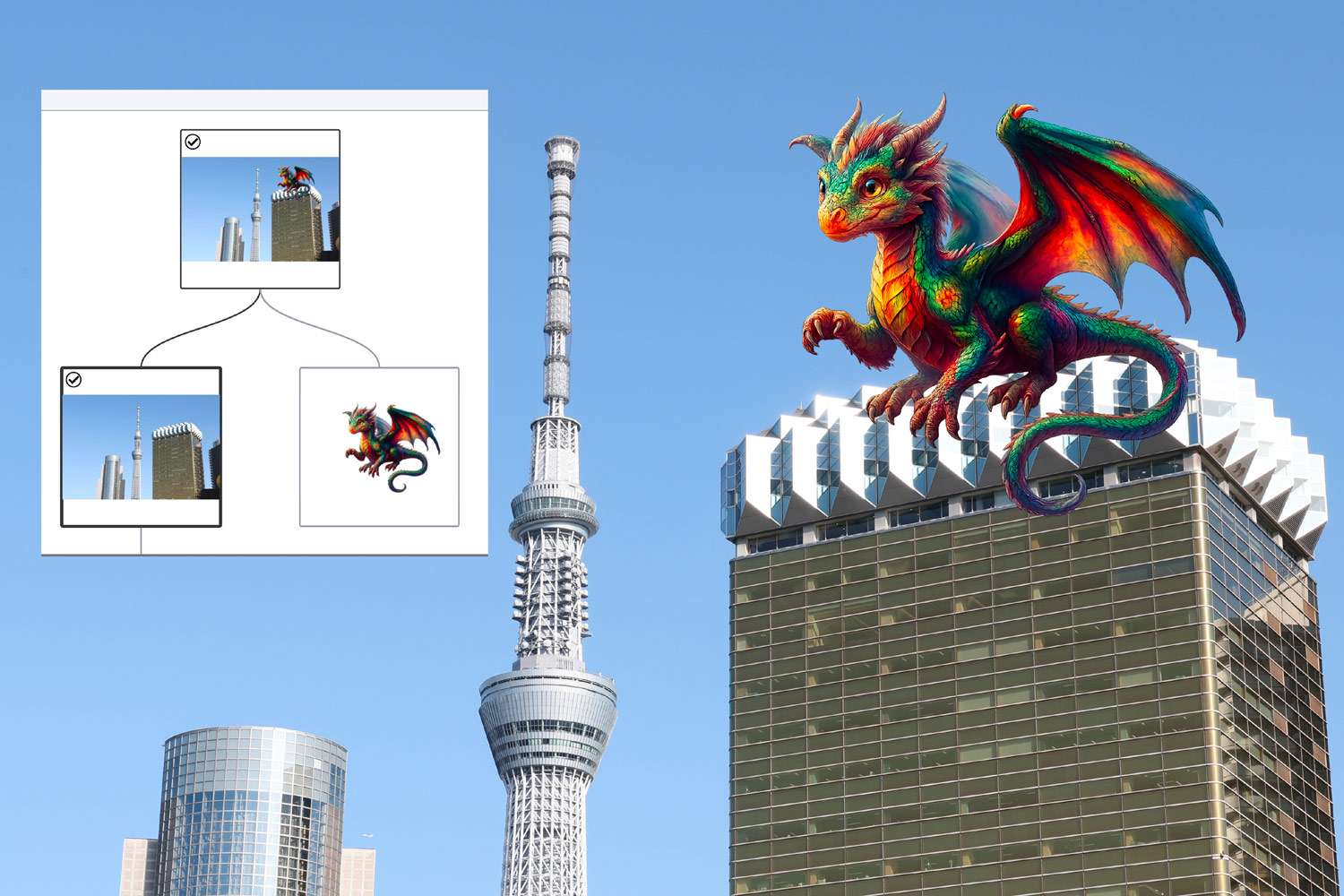
Canon can now add “proof of origin” to photographs, making it possible to verify the authenticity of an image even years later. And it’s by no means just about Canon—all these stamps, codes, and certificates are part of a global effort to combat content forgery. It’s easy to get lost in it all, so I explored and tested everything myself.
Origin information, timestamps, and complex codes
Let’s untangle the whole thing—I admit it took me quite a while to get my head around it all. What may seem fairly complicated at first glance is actually quite elegant and simple. The key is simply not to get lost in the abundance of technical information and complicated technical terms.
And above all: Canon’s steps are part of a process that may seem inconspicuous, but will have enormous significance and impact in the future. Over time, it should simply become much easier to distinguish a genuine photo from a manipulated image.
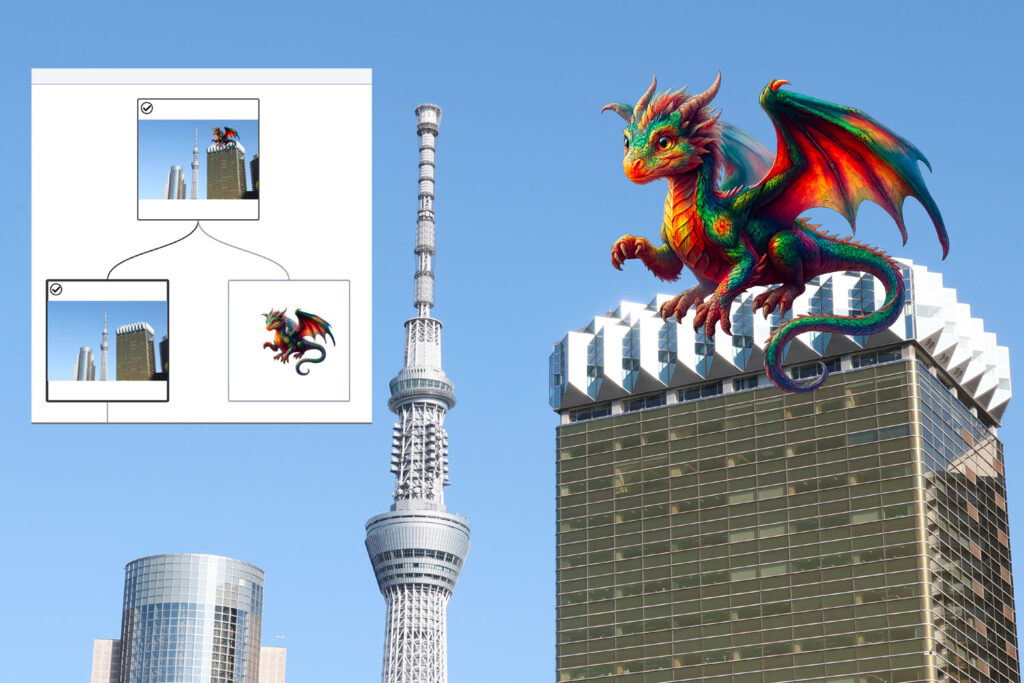
More precisely: the technology can already store everything important in photos with complete accuracy: when and which camera took the photo and what happened to it afterwards—whether someone edited it in Photoshop and added something created by AI generators, which in my case was a beautiful, colorful dragon.
Yes, for now, all of this applies to only a very small portion of image production. And the fact that a photo contains no provenance data obviously doesn’t mean that anything is wrong with it. But the trend is truly fascinating.
For a quick overview, I recommend watching the video I made about this—after all, video can show everything better than written text.
Video: How Canon verifies photo provenance – 7 min in 4K
How the global effort to prove content provenance works
Let’s explain and describe it all—very simply, but hopefully logically and accurately. The details are complicated; the key procedures and goals, on the other hand, are very simple and straightforward.
A few months ago, Canon announced the launch of its Authenticity Imaging System for verifying the provenance of images, joining the Content Authenticity Initiative in the process. The initiative was founded by major media organizations and other companies and now brings together key players interested in building a system for verifying content—from media organizations to technology giants.
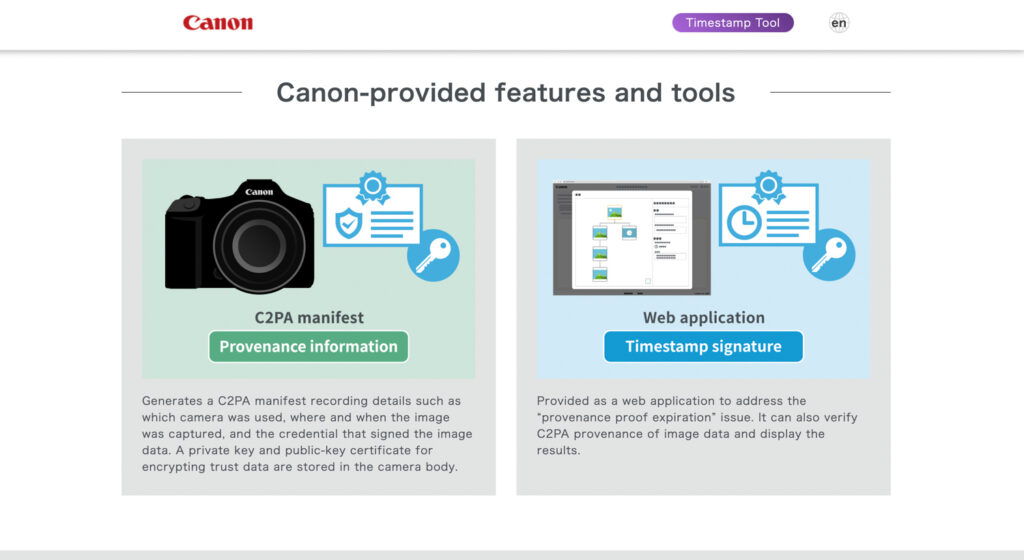
Within this initiative operates the Coalition for Content Provenance and Authenticity, which deals with the technical side of things. In other words, the systems capable of handling all of this. One acronym worth remembering is C2PA—which, in the narrower sense, simply encompasses the system and standards that work across cameras, software, and media.
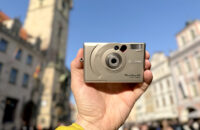
If you are currently reaching into your camera bag for your camera and getting ready to experiment, however, I have to disappoint you. At the moment, Canon’s provenance verification is available only on the Canon R1 and Canon R5 Mark II. And there’s more: at present, the system is being put into practice only by major news agencies, such as Reuters. Whether and when everything will expand is not yet known—but even so, it is highly interesting and important.

How it all works: certificate and timestamp
Let’s simplify it as much as possible, as I mentioned earlier—the details are numerous, but the basic idea is elegantly straightforward.
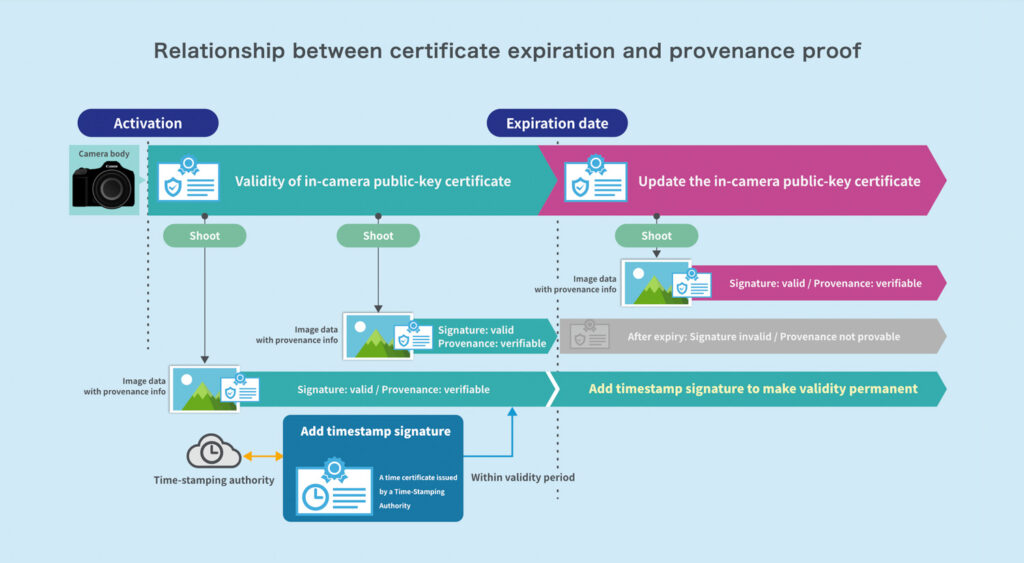
Step 1: certificate / proof of origin – the key element of this system is a certificate of origin. Put simply, a camera equipped with this system stores, alongside the usual EXIF data, a record (manifest) of the photo’s provenance, which is a key element in verifying its origin.
Step 2: timestamp – an integral part of the whole process is a step in which an independent technical system adds a “timestamp” to the data, verifying one simple fact: that the photo really existed at that particular moment. Does that sound confusing? Let me explain: the certificate is tied to the camera, whose clock may, for example, be set incorrectly by accident or even deliberately. Plus, the certificate eventually expires. That is why it is important to rely on the timestamp—it simply confirms in the photo’s data that at a particular moment, this photo existed in this specific form.
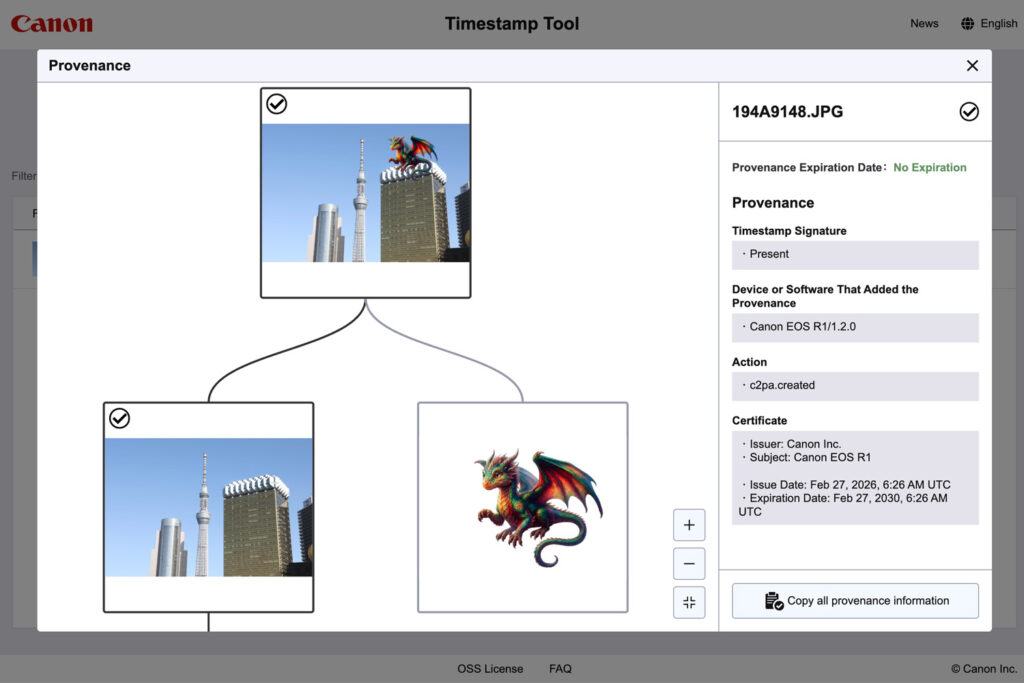
Canon has introduced the Timestamp Tool. While the creation of the certificate is tied to a specific camera model and is apparently provided as a paid firmware update, a photo can also receive a timestamp on the web. There, you can timestamp a photo or obtain additional information about its history. If a photo does not have a timestamp, the photographer can download a “timestamped version” to their computer. If someone has already done this before, it is easy to use the tool to explore everything that has happened to the photo in the past.
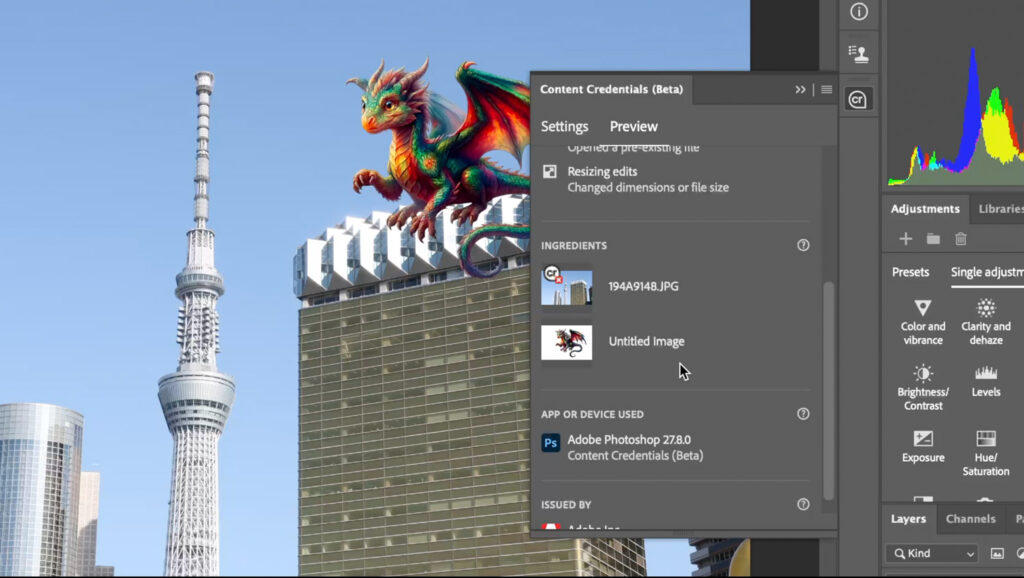
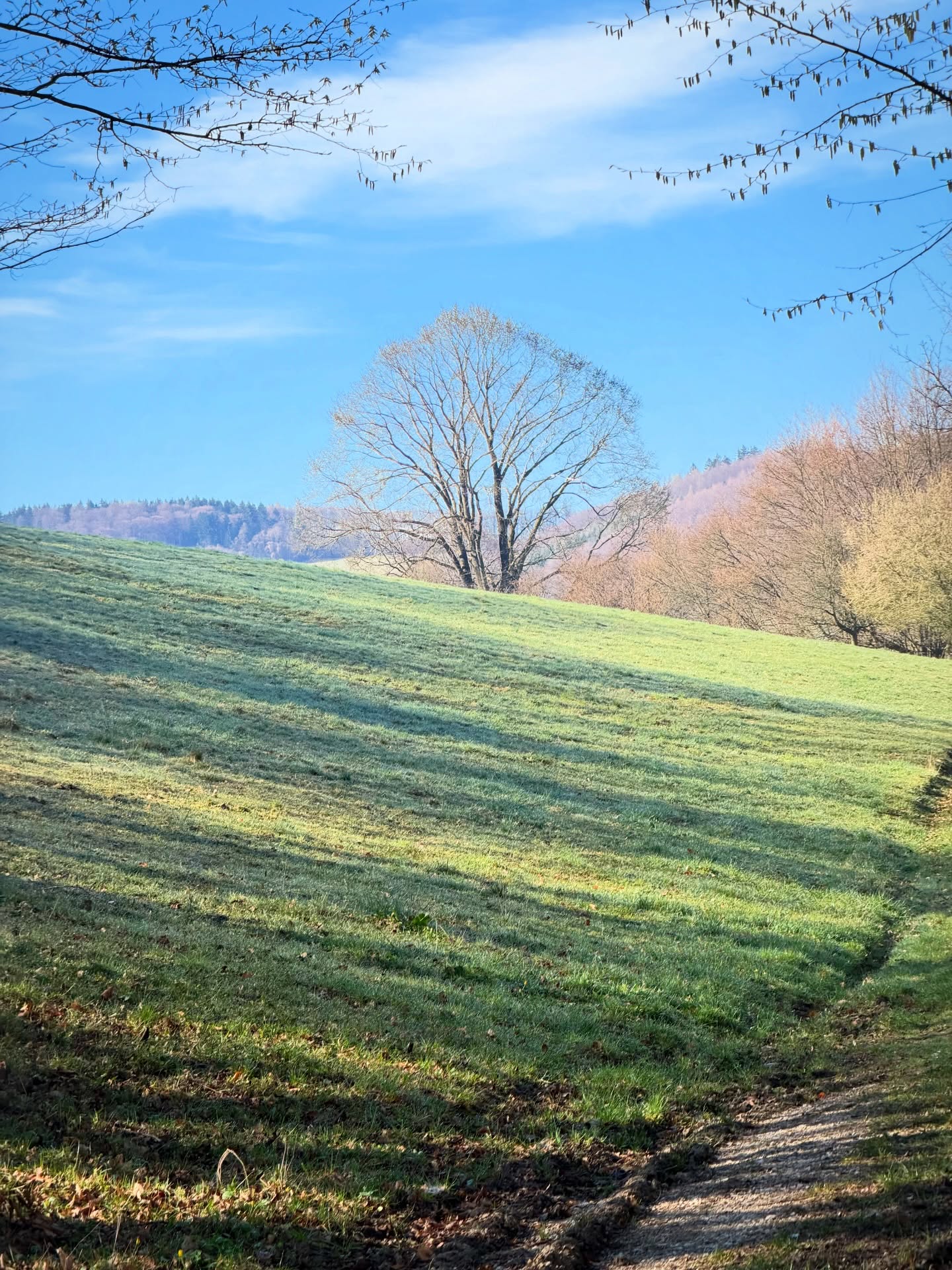
In addition to testing this tool from Canon, you can also experiment directly with tools from the global organizations mentioned above—particularly the Content Authenticity verification site. There, you can see what has happened to a photo in the past, provided it was created in systems that support storing Content Credentials. If you insert an AI-generated dragon into a “timestamped” photo in Photoshop, the site will show you everything beautifully, including all the details—see the video and illustrative photos here on the page.
What else can you play with? Photoshop, for example
I admit, I thought I was preparing a video and article about Canon. But I very quickly discovered that Canon has simply joined a large group of technology players with big plans for the future.
If you want to experiment, simply open Photoshop and launch Content Credentials (via Window). Yes, it’s still in beta, meaning it’s a testing environment, but it works nicely—we can then use various tools to look back at exactly what I did while editing. AI tools likewise do a very good job of “signing” their creations, which is worth praising—this whole effort is happening, in a way, partly because of them.
Once again, just to be clear, everything is still in its early stages: all these tools have to be actively enabled, and provenance data can disappear very easily—for example, when photos are converted for the web or uploaded to social media. But that too can be addressed in the future, and a quick look at the members of all these coalitions makes it clear that the influence of these technologies will continue to grow.
And who knows, in a few months or years, a sensible photographer may happily enable Content Credentials during editing and let the editing history be recorded in the final photo. Because proving that “this really isn’t AI” will become increasingly valuable.






















Leave a Reply