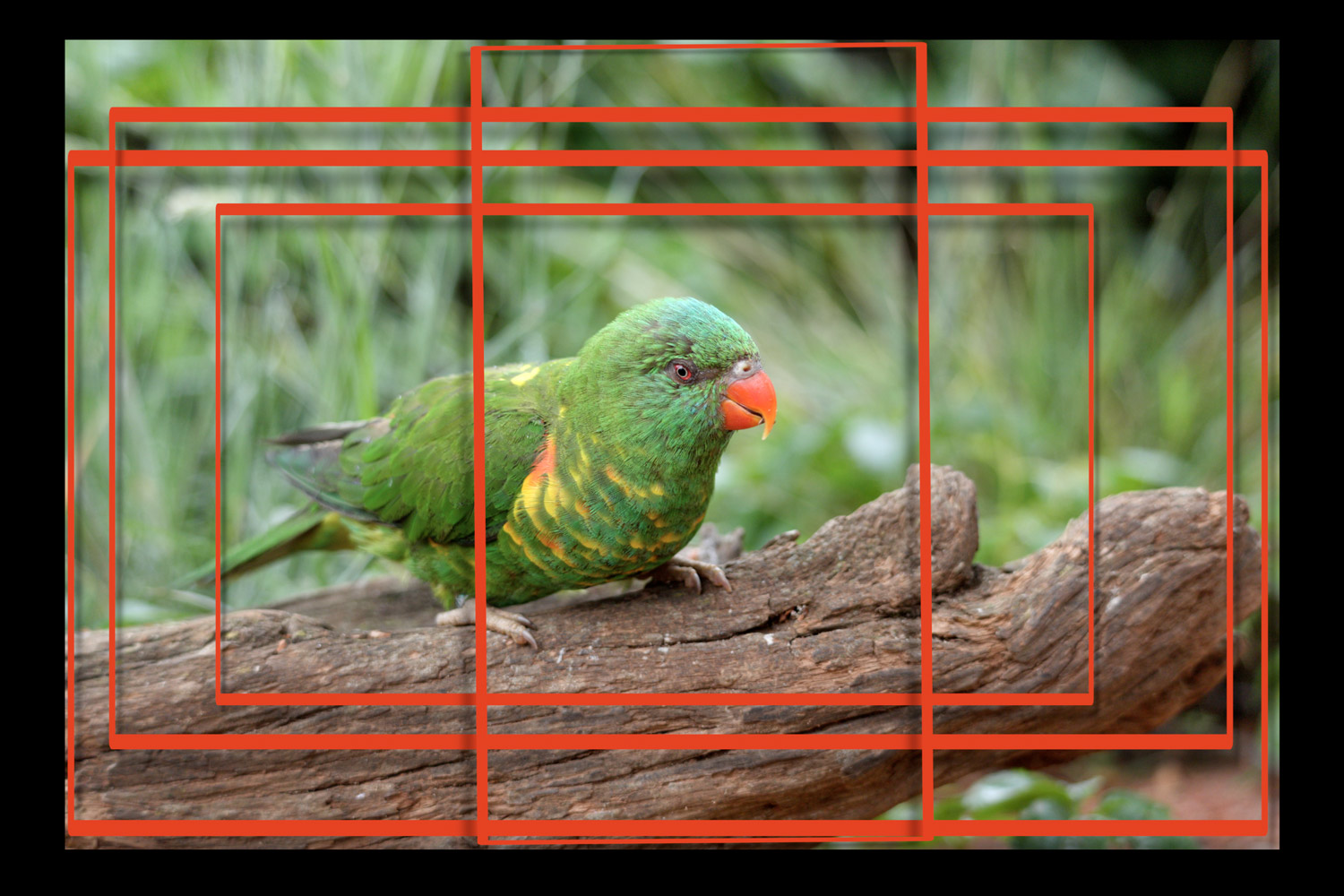
A feature called Open Gate allows the Canon R6 V to shoot videos in a 3:2 aspect ratio, utilizing the recording from the entire sensor. All this in an impressive 7K resolution. Which is absolutely great for further processing—for example, when we need to fine-tune the final crop or turn a widescreen video into a vertical one.
What is Open Gate and why I really like it
I shoot and edit videos pretty much constantly—however, my video team has only one member (yes, me), so I always try to find ways to combine efficient workflows with the best possible result. And that’s exactly why I simply really like the feature called Open Gate.
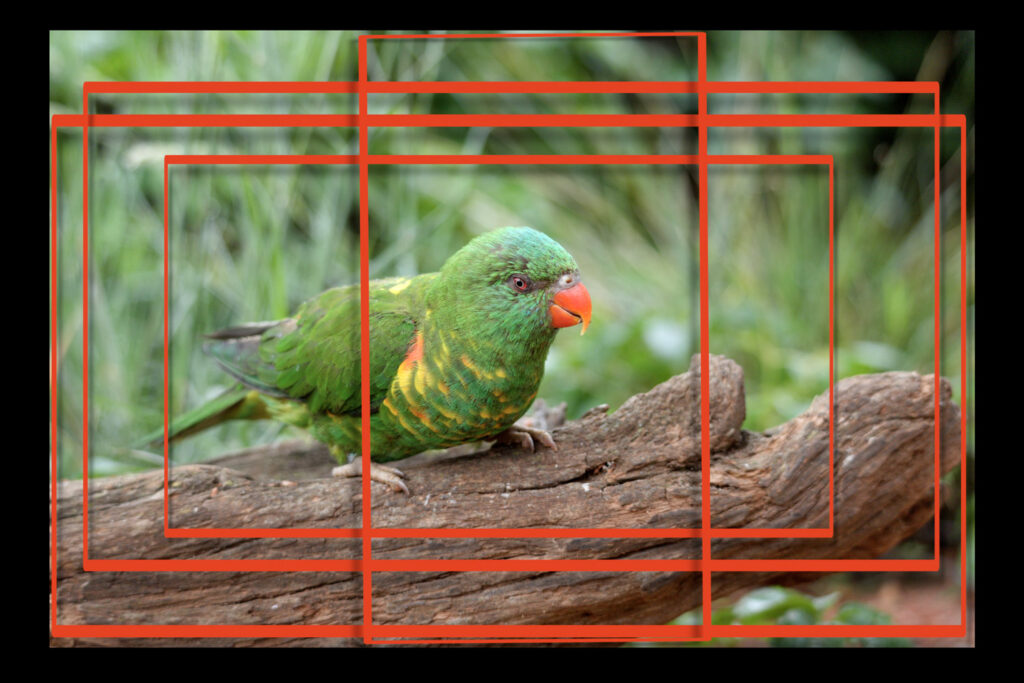
While it might look like a technological luxury for the most demanding use cases possible, it’s actually different: it holds massive significance precisely for content creators who need to quickly fix various mistakes in the shot.
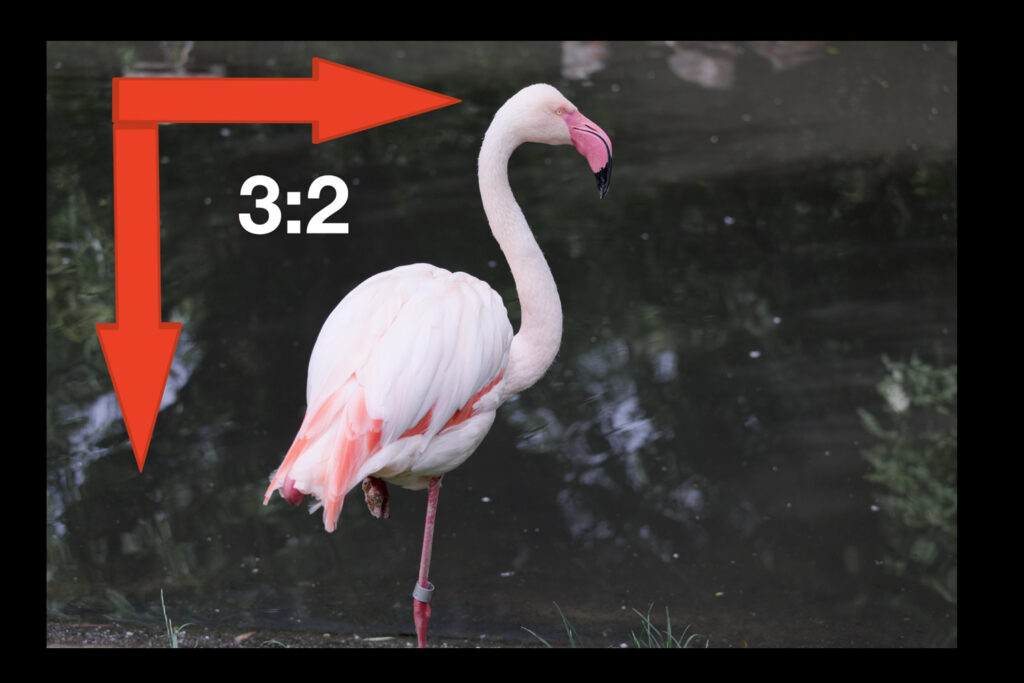
So: Open Gate in practice means that instead of the usual 16:9 cinematic format, the camera gives us the recording from the entire sensor. In the case of the Canon R6 V, which I tested as a hot new release of spring 2026, we are looking at a 32.5 Mpx resolution and a 3:2 aspect ratio. In other words, we are shooting a “full-frame” shot in 7K (dimensions are roughly 6,900 × 4,600 px). Which opens unprecedented possibilities for various further edits and also error corrections.
Video: Canon R6 V and Open Gate – how it all works (9 min in 4K)
Why Open Gate readily forgives mistakes
What is so interesting about a format that requires a rather significant crop for final use? For me, above all, the fact that a 3:2 aspect ratio frame means it’s possible to work with a much higher number of variations—in other words: it is much easier to carve a final shot out of it without any noticeable drop in quality or an unnatural crop.
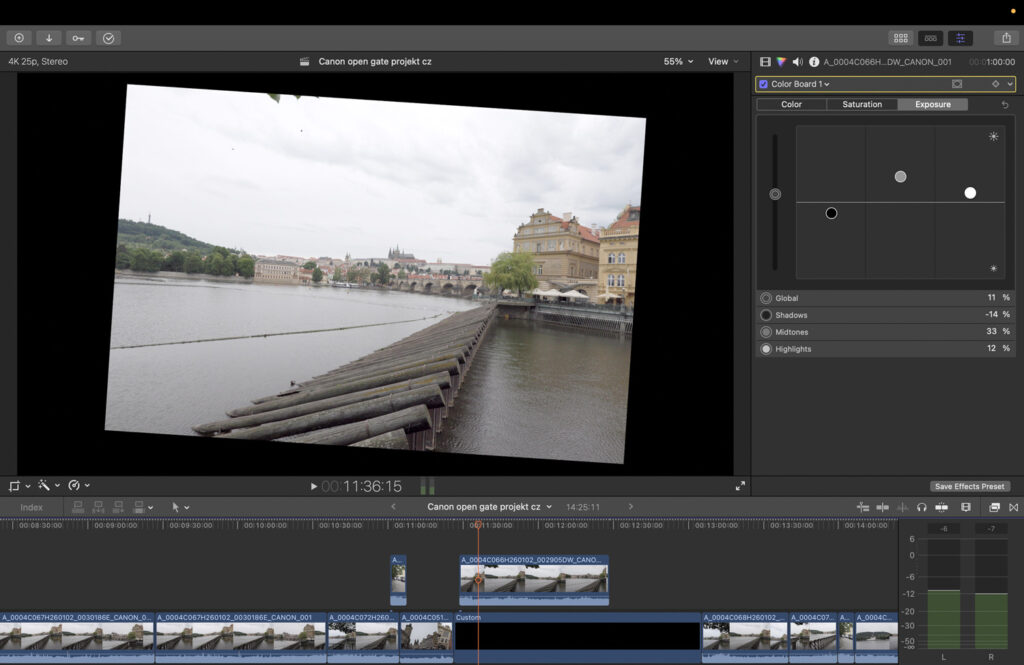
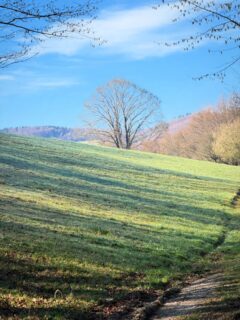
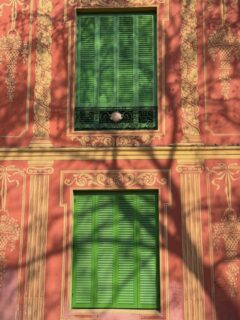
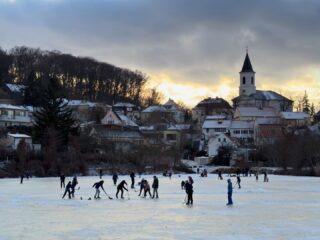
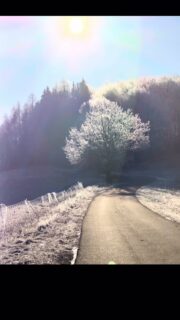
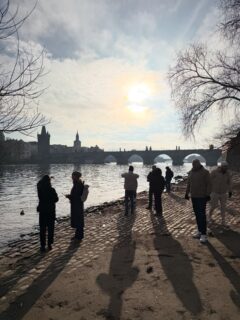
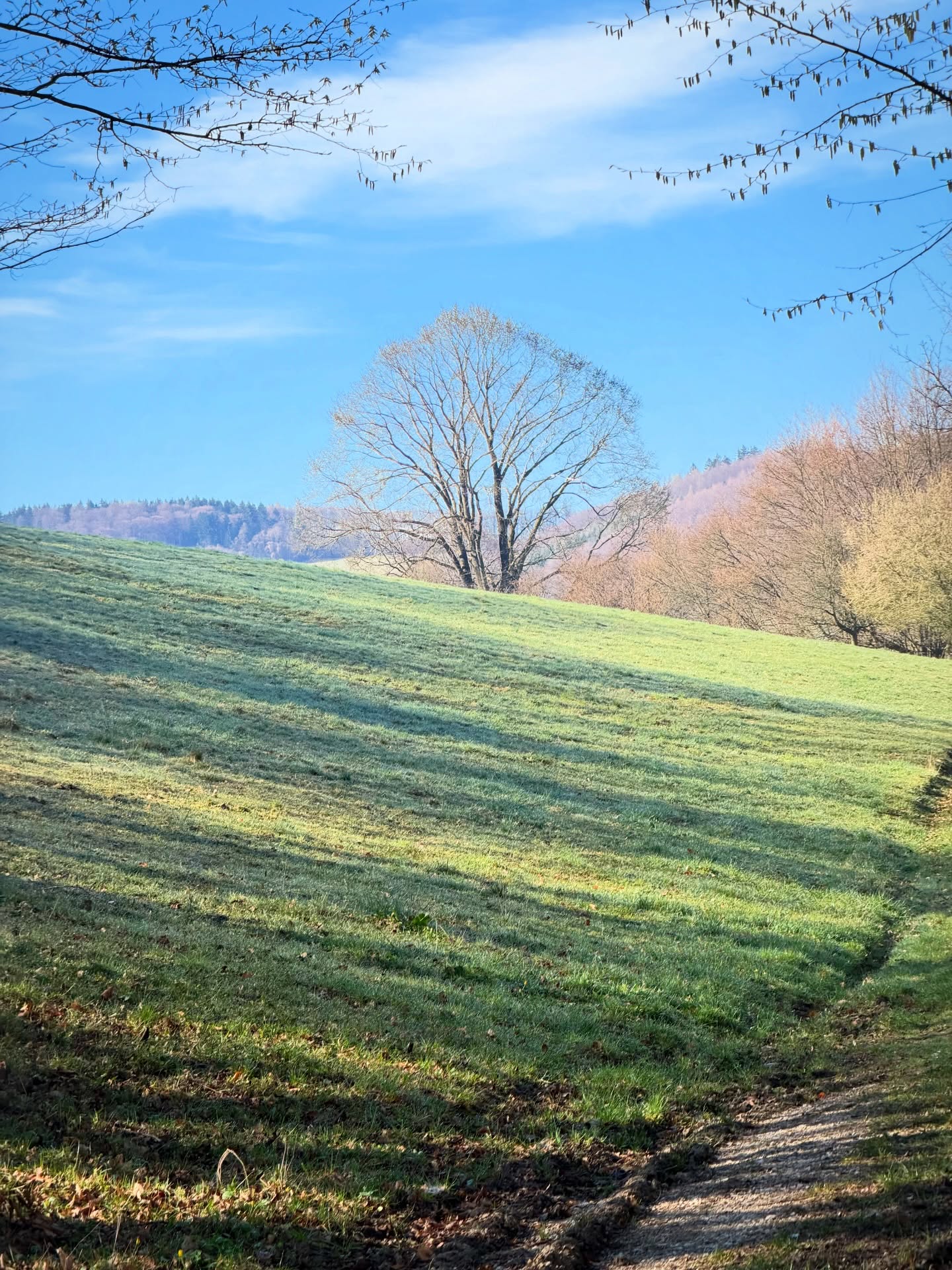
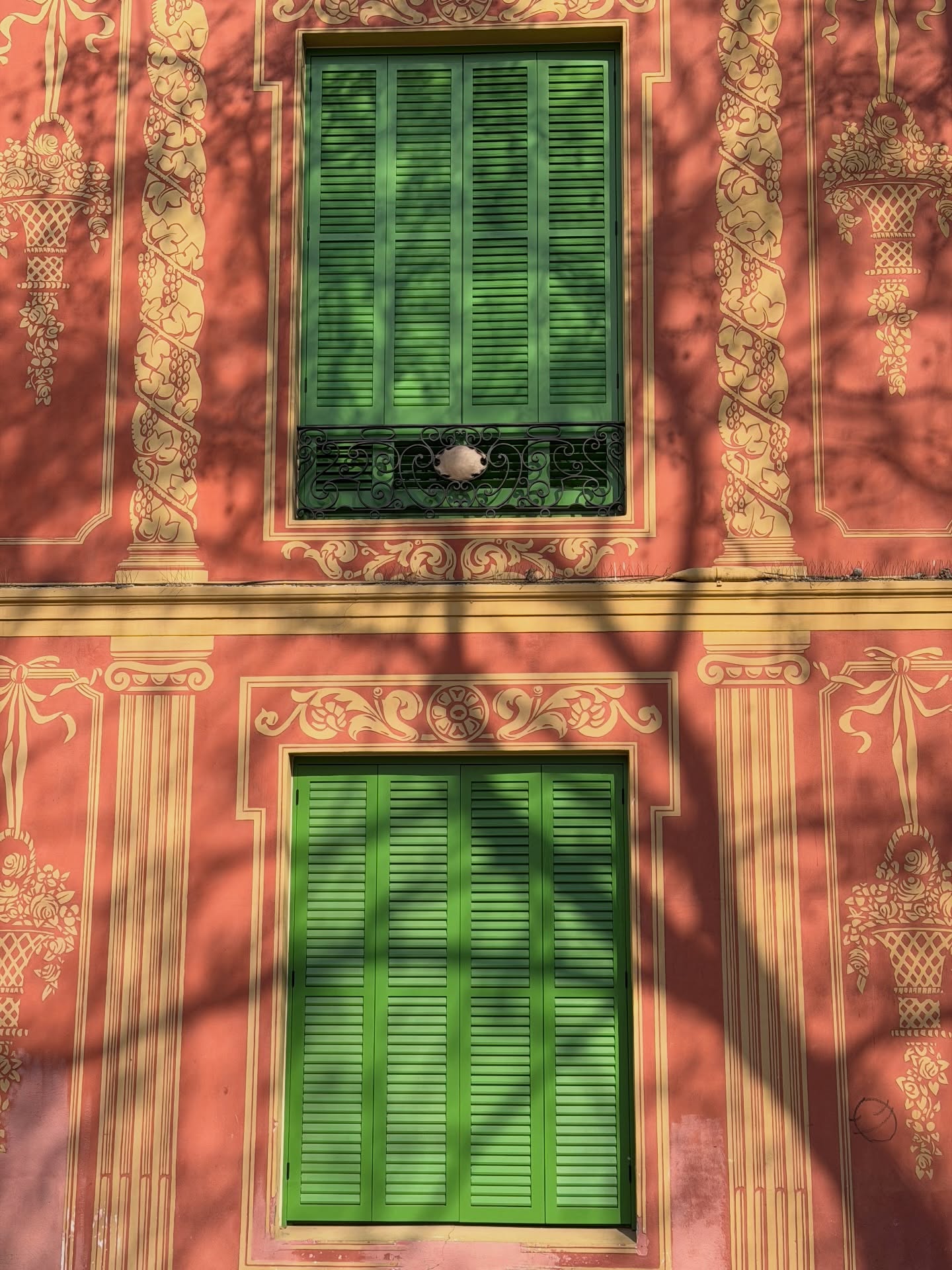
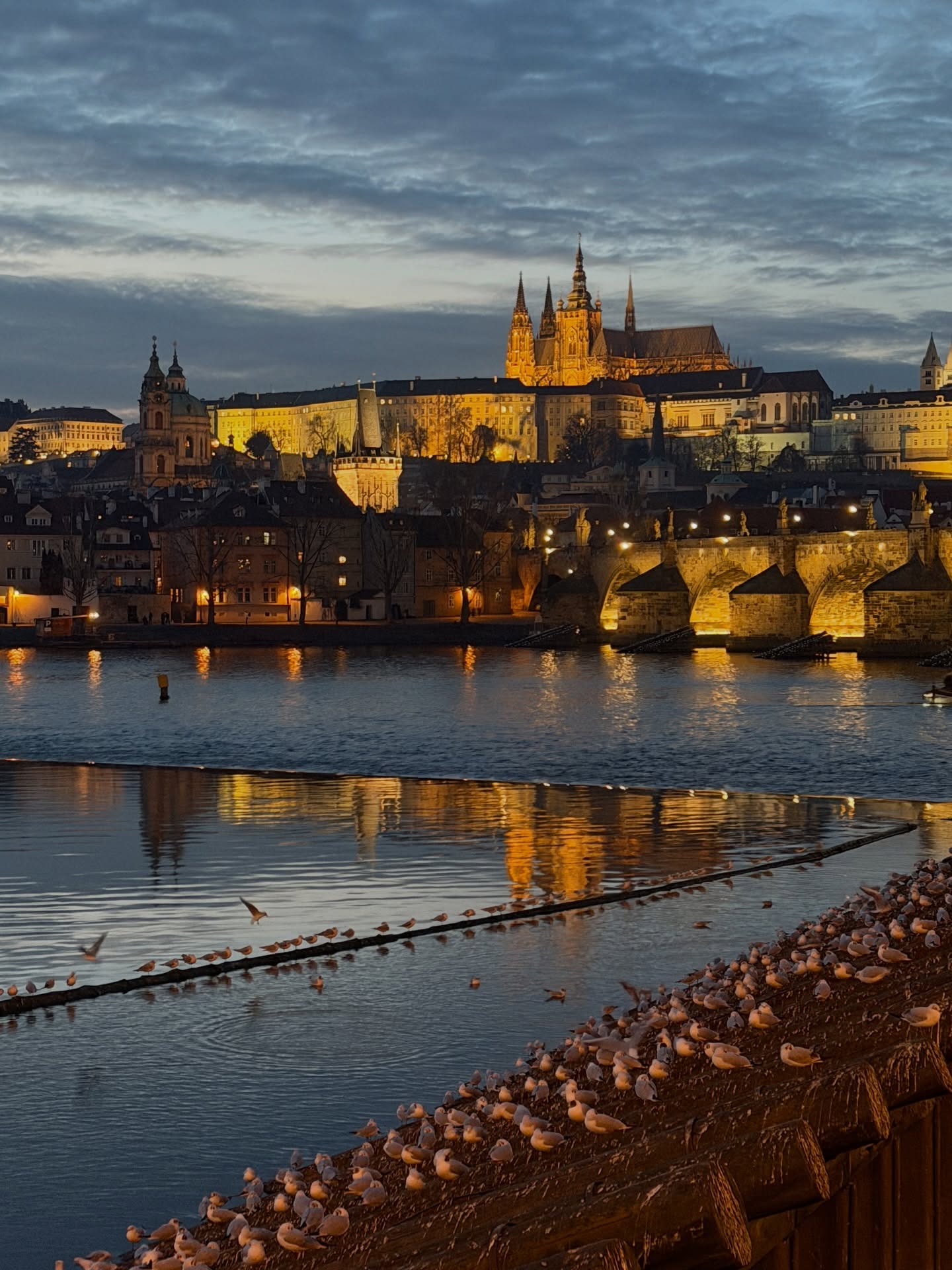
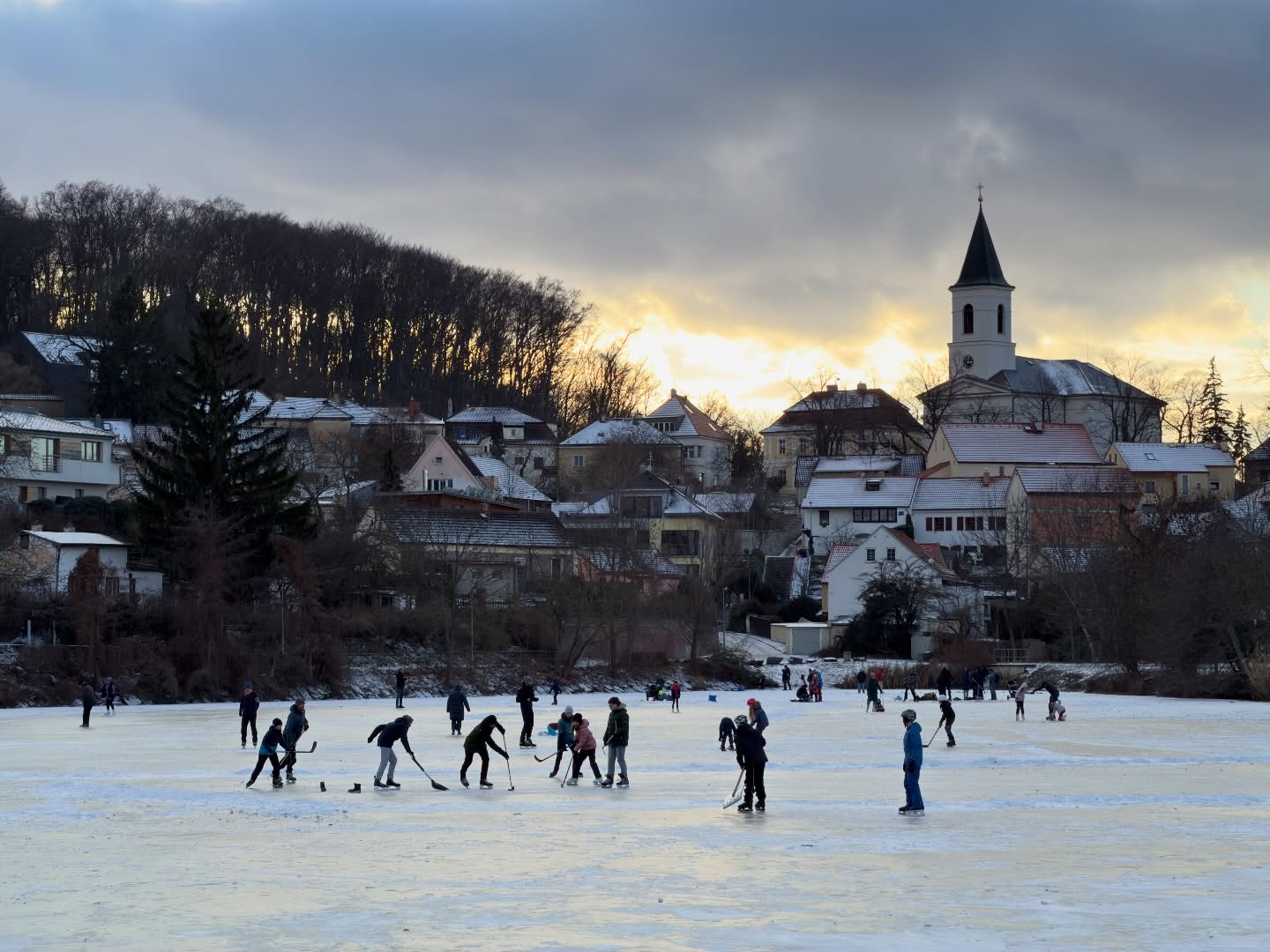
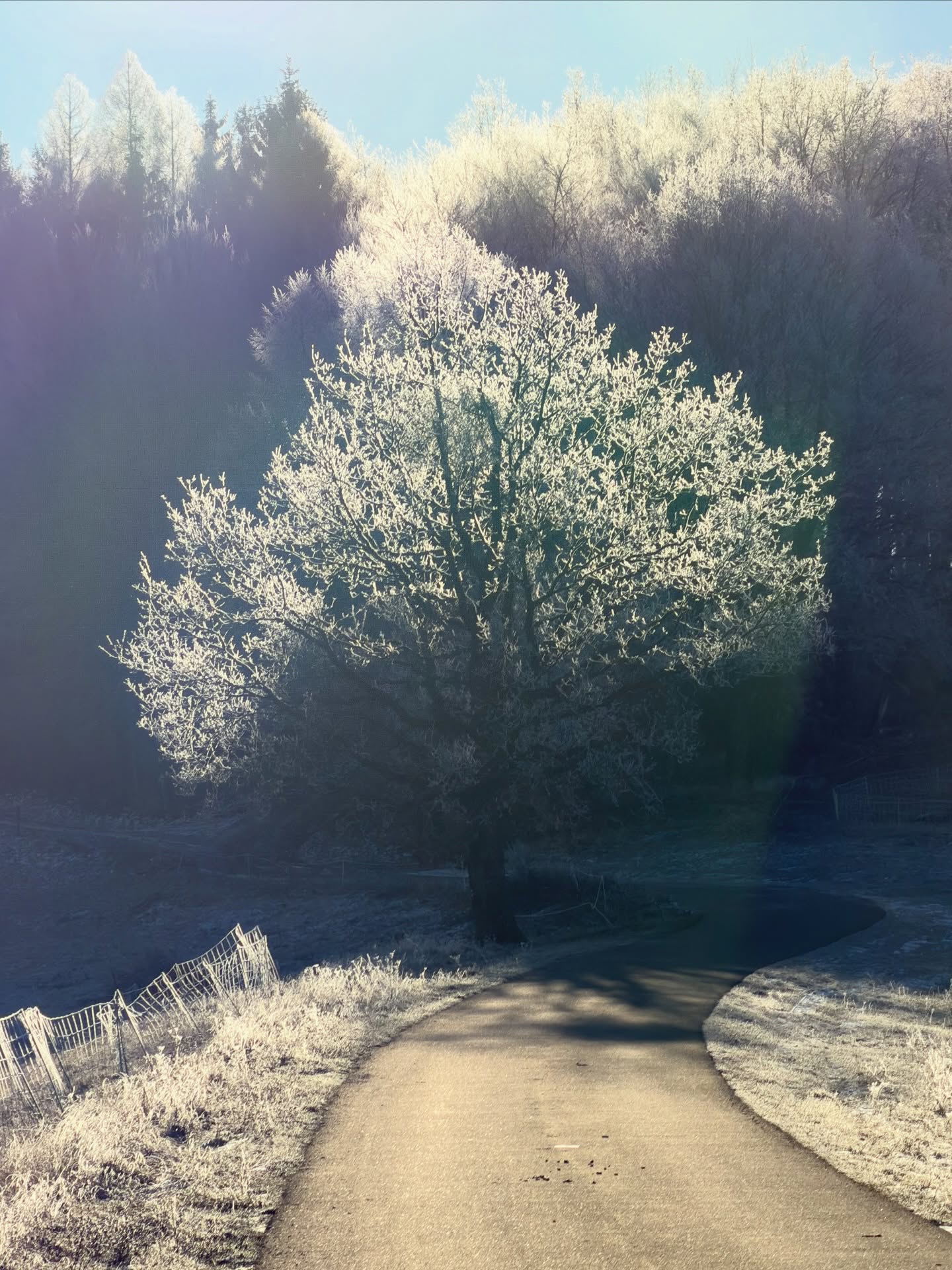
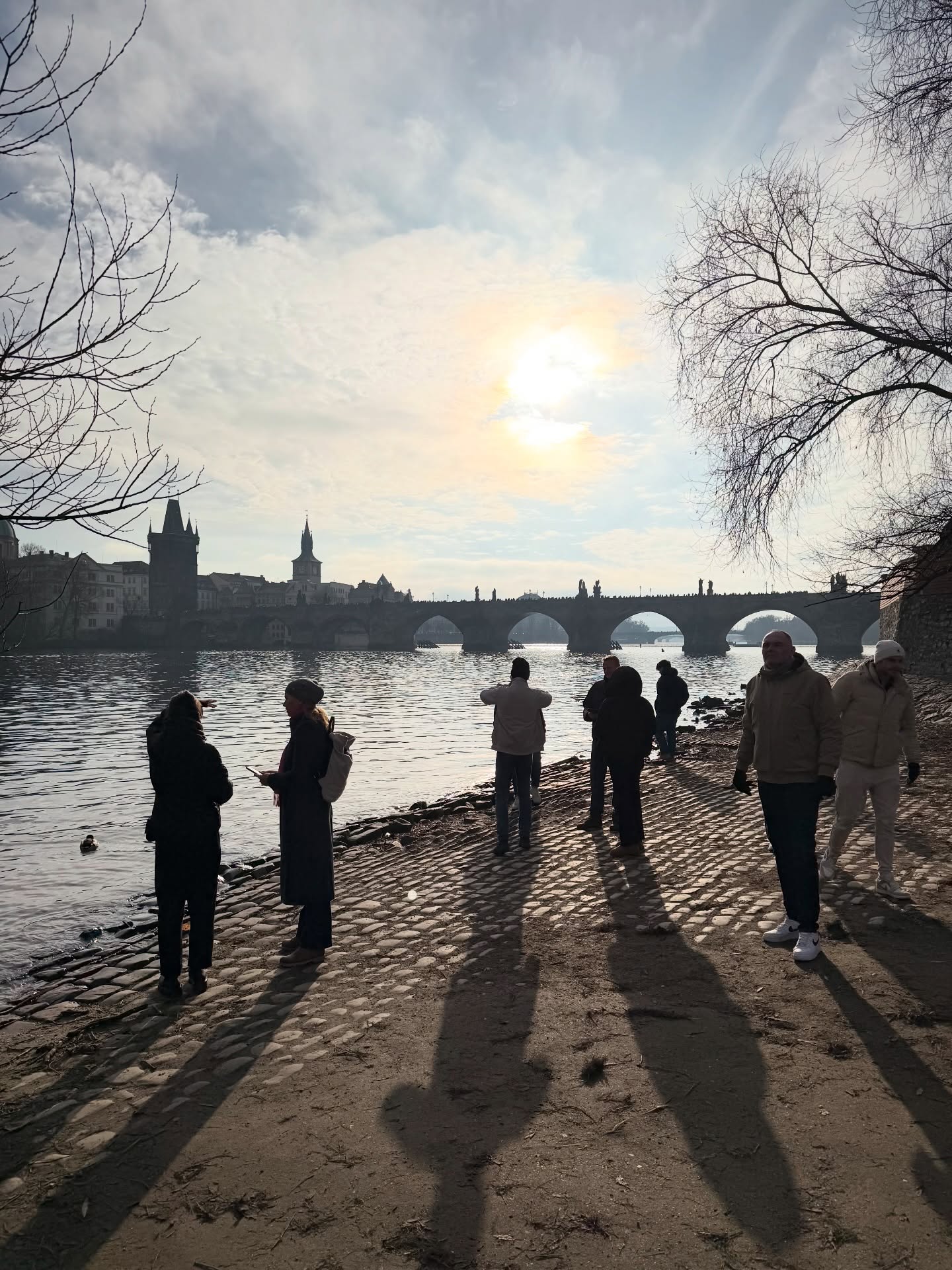
You can spot this best from the illustrations on this page and especially from the video I shot (in Open Gate, of course) on the Canon R6 V. You’ll quickly see what is genuinely handy. First of all: it is very easy to make some final adjustments to the shot—it’s much easier to reposition the crop, rotate it, or transform it creatively.
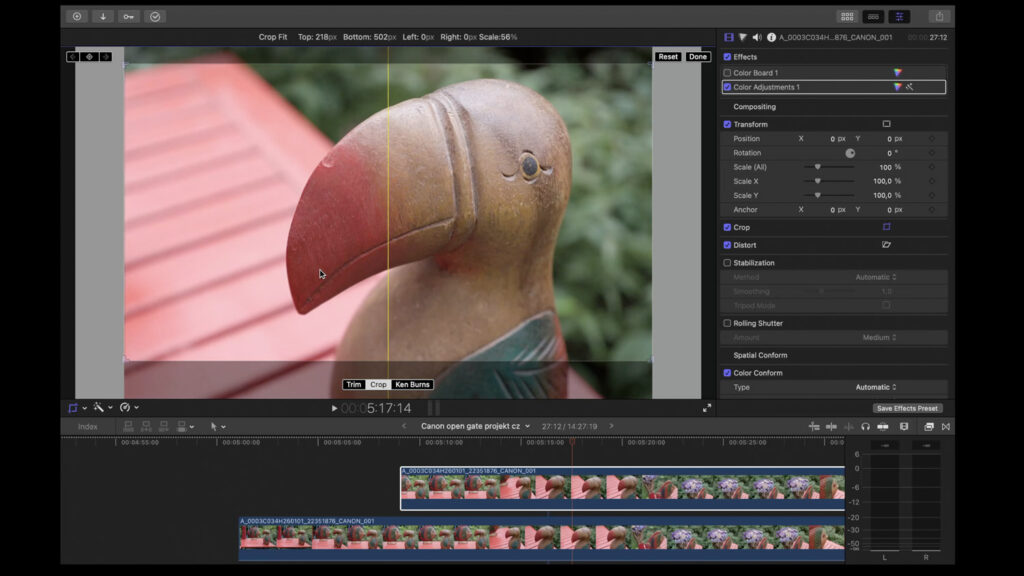
This will also be appreciated by video creators who need to produce something vertical from widescreen shots from time to time (or frequently). Carving something reasonable out of a regular 16:9 frame is next to impossible; it almost always looks bad. Conversely, a 3:2 shot allows it really smoothly, although yes, it will always hold true that it’s not ideal—the logic of widescreen composition will always be slightly different when shooting. But when there’s no choice, it works incredibly well. And it truly matters, because like it or not, the world is becoming more “vertical” due to social media.
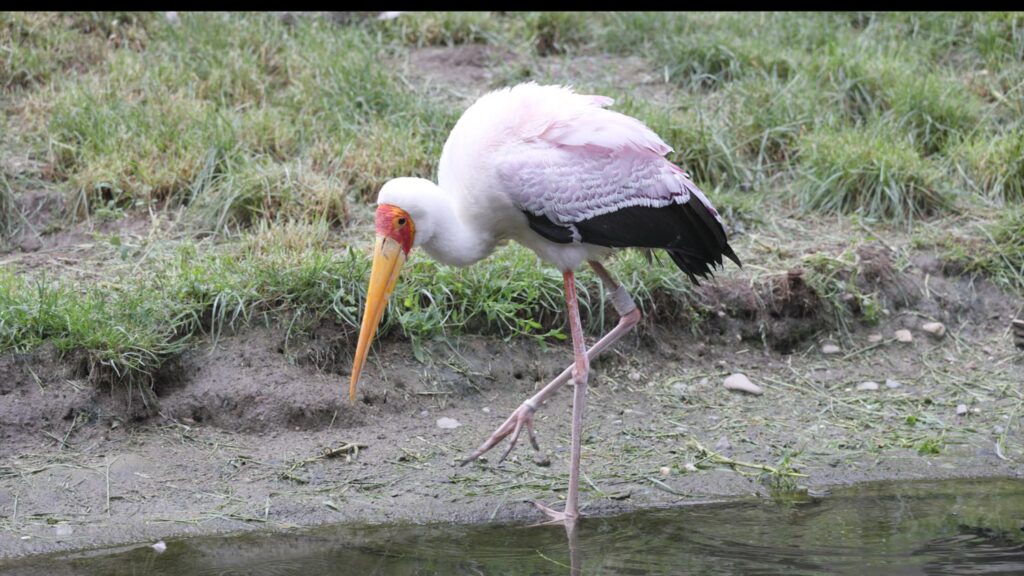
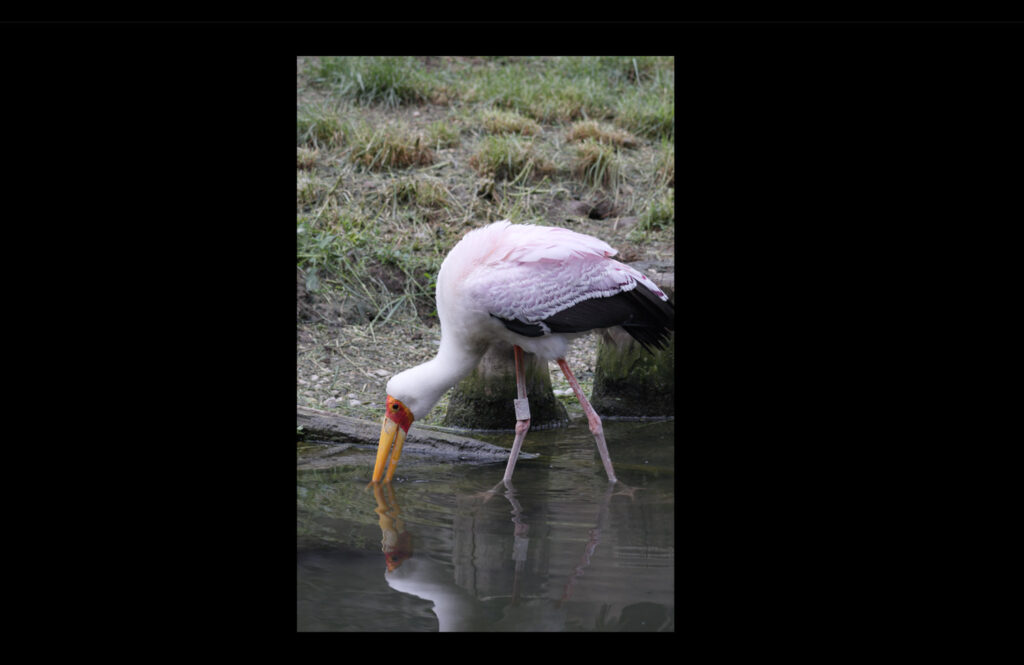
And it is also effortlessly possible to fix the horizon—which is something that happens to me almost constantly during fast-paced shooting: the horizon of my favorite view of Prague Castle simply often turns out a bit crooked (it’s not easy to nail it perfectly, give it a try!). With 16:9 video, a fix automatically means that the rotation will demand a fairly substantial crop—and the shot frequently stops working as a result. In the case of working with Open Gate, it’s obviously much easier: you can simply “pull” from a larger surface area.
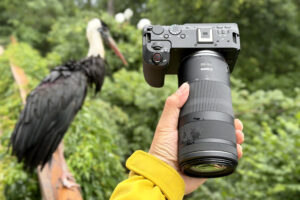
Plus there is one more reason, and that is software stabilization—if you are shooting, like me at the Prague Zoo, something with a “long lens” without a tripod, it can come in quite handy. And as you will (again) see best in the video, stabilization in the editor (in my case, in Final Cut Pro on Mac) happens at the expense of the edges of the captured shot—quite logically, the stabilized shot is cropped more. To which, yes, the simple fact that 3:2 is a solidly large surface area can help again, providing a decent space to crop and therefore stabilize.
How to set up Open Gate on the Canon R6 V
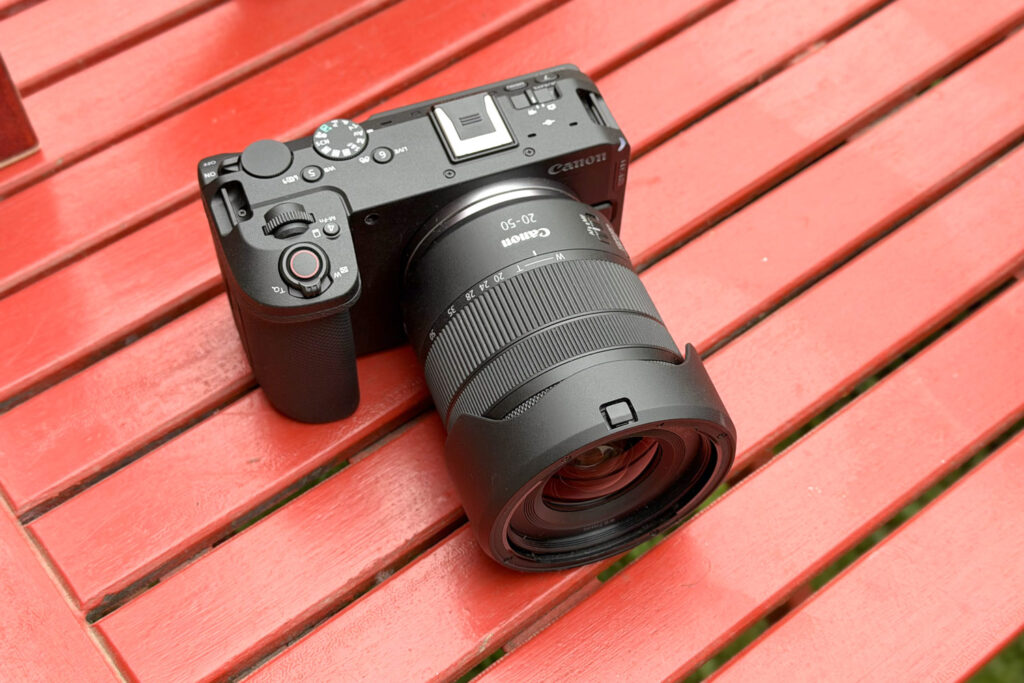
And what is good to know about shooting video in Open Gate? To start with, it’s by far not a feature that all Canons have (not to mention other brands). In cameras, it arrived with last year’s full-frame Canon R6 Mark III, which, however, is after all aimed more at photographers. The Canon R6 V, on the other hand, embraces the “hybrid” world primarily targeting video creators (it lacks a viewfinder), while still being usable for standard photography.
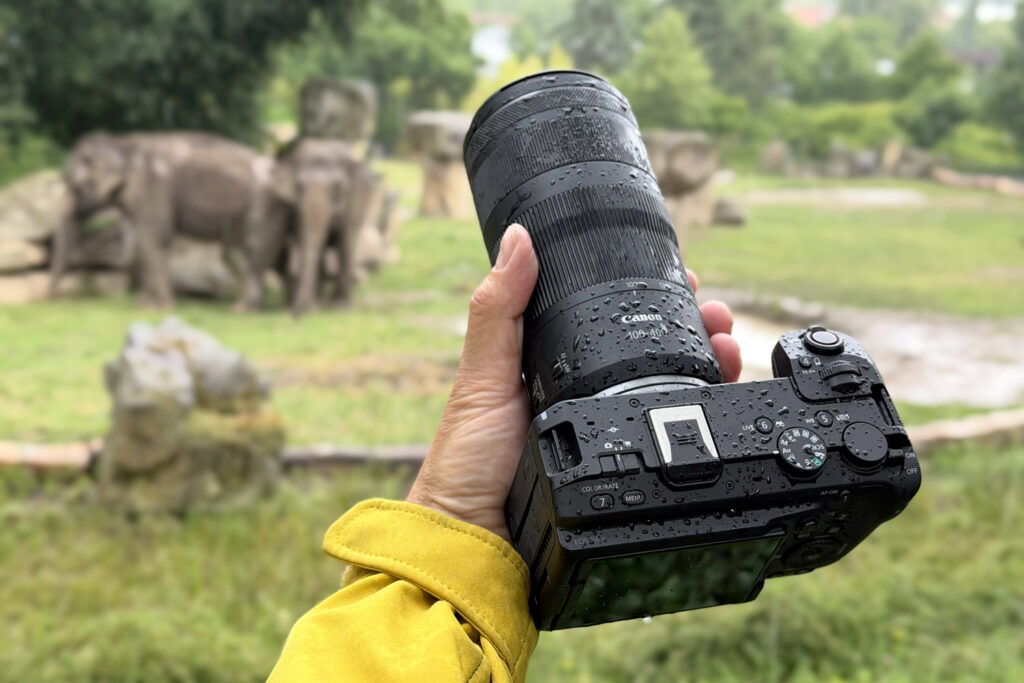
To which let’s add that I tested everything on two lenses. The first was the Canon RF 20-50mm F4L IS USM PZ, which is a specialized lens (more or less) designed for video recording and introduced precisely alongside the Canon R6 V. And then I also packed the popular and affordable Canon RF 100-400mm f/5.6-8 IS USM for the zoo.
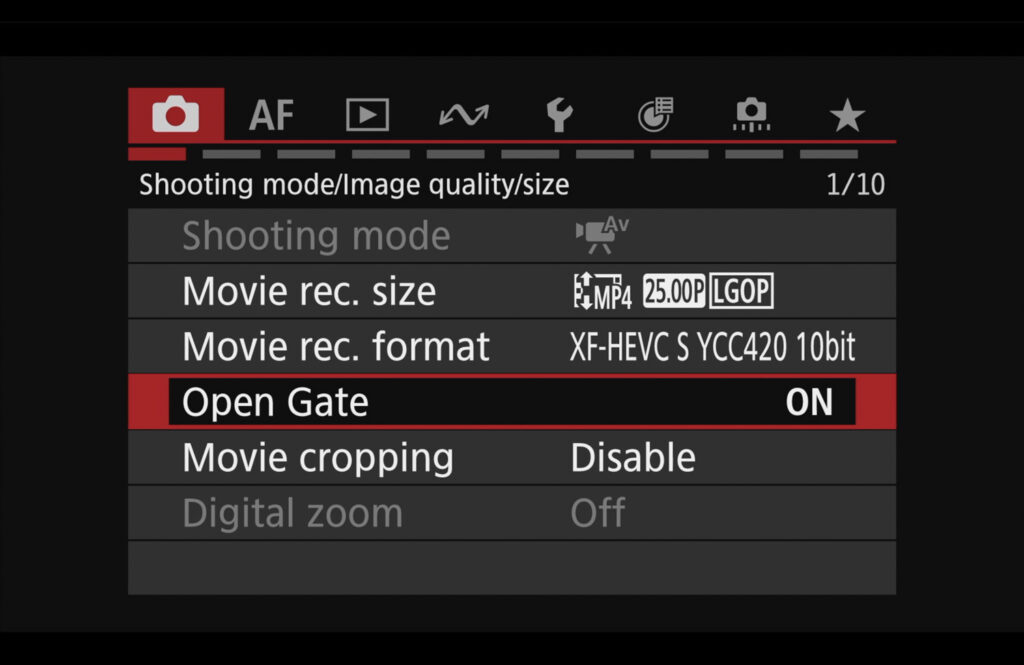
The setup is then very simple: Before actually activating the feature, you just need to switch the video format, see illustration, because Open Gate will only work in modern formats and in 10-bit. And yes, you can also shoot in RAW, but I didn’t try that—the data rates would be massive, and I didn’t feel like doing that. And yes, even so, the files are not exactly small, but it’s nothing terrible—1 minute usually took up somewhere around 2-2.5 GB. Yes, the card fills up quickly, but it’s manageable.
Canon Log 3 and another new feature: Canon LUT Library
If you decide to play around with Open Gate, definitely don’t skip another relatively recent addition in your testing: Canon LUT Library (link here). As the name suggests, these are pages from which you can download several dozen LUTs for free—meaning predefined “presets” that automatically convert the video from log to its final look in the respective software.
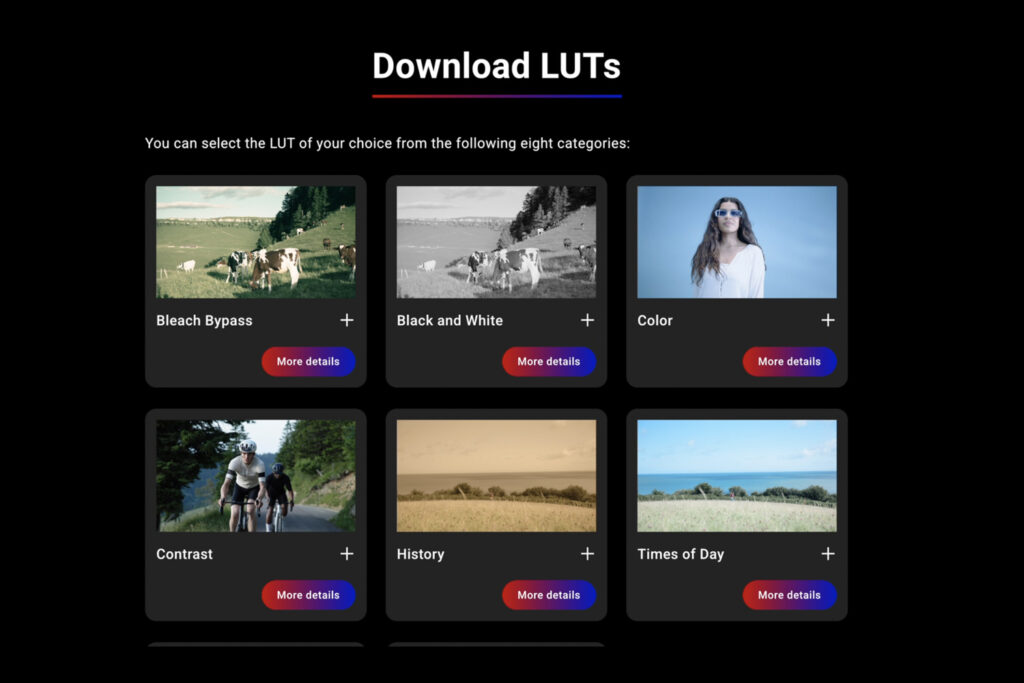
If you are encountering this term for the first time: log (specifically Canon Log 3 here) is a type of video recording that looks bland and flat at first glance, but it is really easy to work with during grading, and it’s therefore destined for more or less sophisticated edits—these turn out better than when editing “normal” footage.
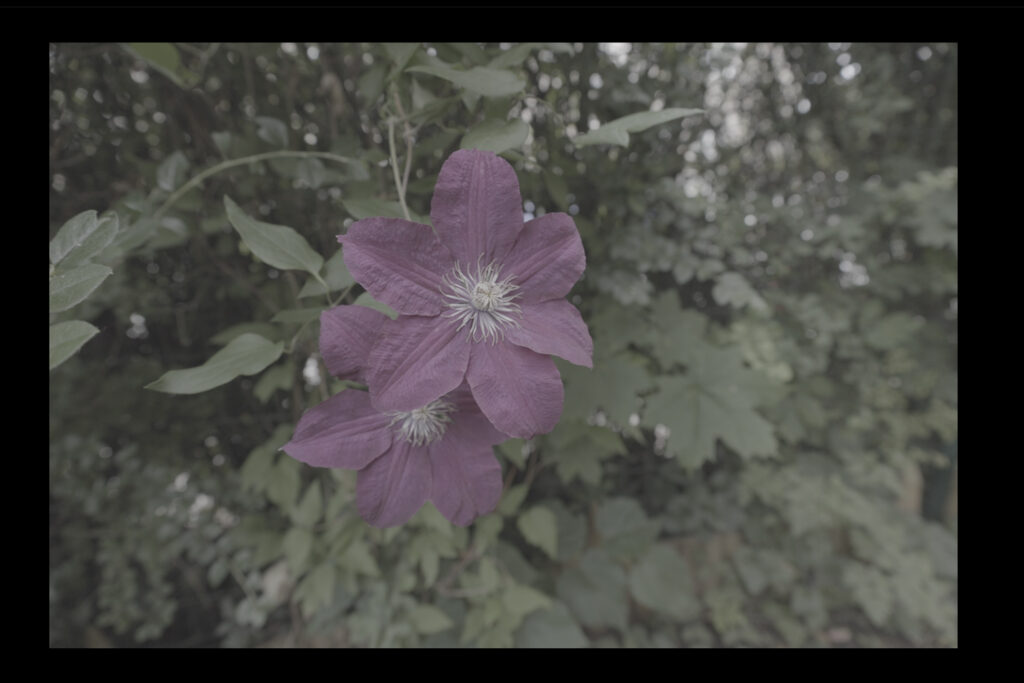
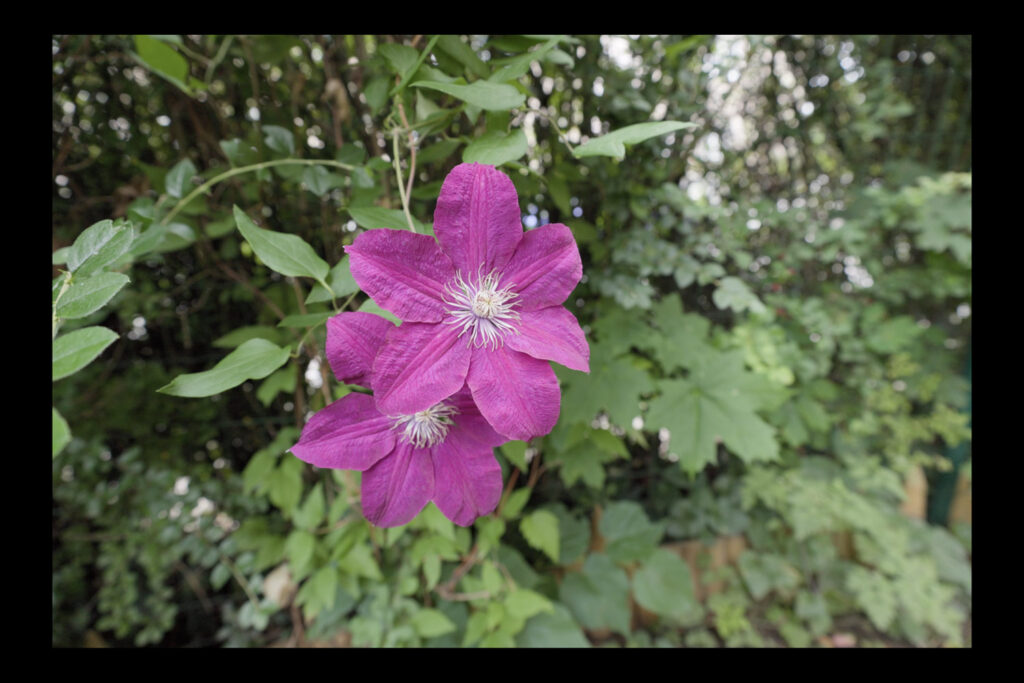
LUT (from Look-Up Table) is a data-based “instruction manual” on how a program should convert log footage into a “normal” or creative look. In essence, we can then use a LUT designed to convert log into standard display, or creative LUTs—see illustrations. You can download several dozen of them from the aforementioned site and then happily test all those mysterious names like Tasty Warm, Tasty Cool, Vintage, etc., in your desktop software.
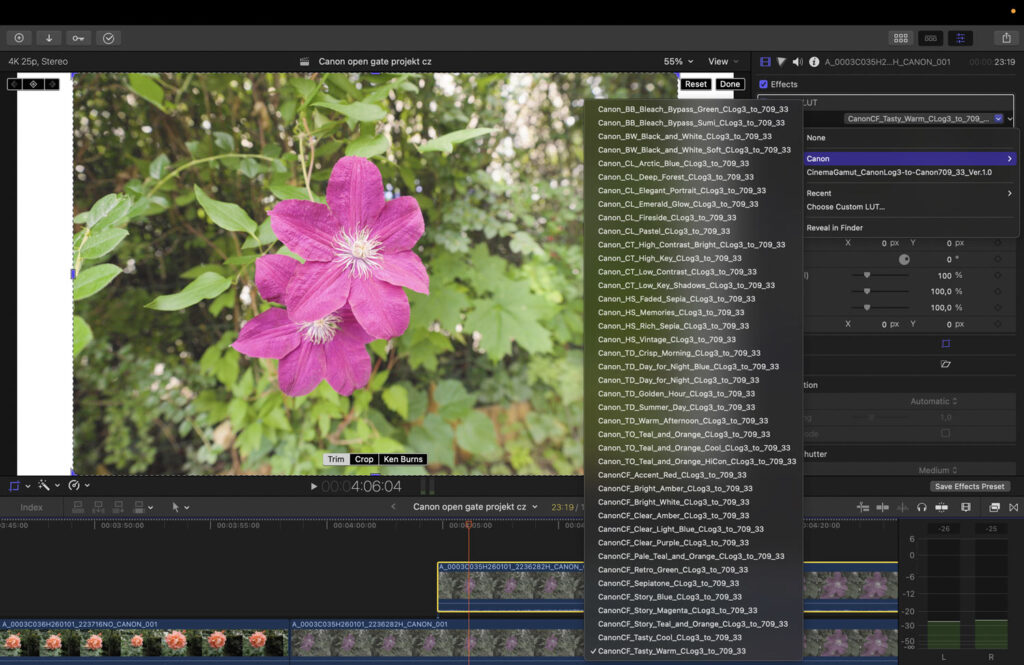
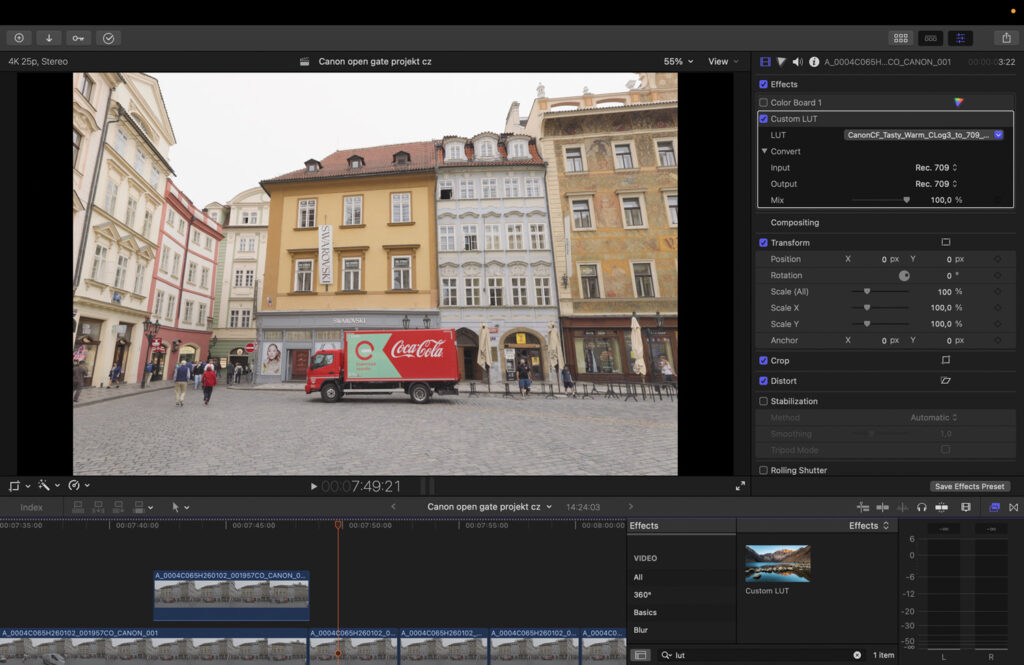
Does it all sound too complicated and complex? Not at all, quite the opposite! As I mentioned at the beginning, for several years I have been intensely trying to use solutions that lead to the goal quickly and efficiently: meaning maximum quality while spending a reasonable amount of energy. And I have no doubt that Open Gate definitely belongs among them!

Related posts
-

Is This Photo Manipulated? Canon Can Now Verify Its Origin
-
Canon RF 100-400mm f/5.6-8 IS USM – Review, Sample Photos + Video
-
Best Cameras – Summer 2026: My 40 Reviews, 4 Tables, 10 Years of Testing
-
Testing a 30-Year-Old Canon PowerShot A5: Retro Review from Prague + video
-
Canon G7 X Mark III: Why This “Old” Camera Beats Your Phone – 2026 Review + video
-
Canon RF 45mm F1.2 STM Review: 200 Sample Photos & Video








Leave a Reply